
TL;DR

Turn quiet afternoons into listening time
- Thousands of audiobooks, podcasts and originals
- Listen on your phone, tablet or Echo — also offline
- Cancel anytime
Adult children can receive real-time camera and doorbell alerts from another city by installing compatible smart security devices. Using smartphone apps, they can monitor live feeds, get instant notifications, and respond quickly, all while maintaining privacy and security.
Imagine being hundreds of miles away, yet knowing exactly when your parents’ front door is pressed or if someone’s lurking on their porch. It’s not just a dream — it’s possible with modern smart home tech. For adult children, staying connected to their parents’ safety has never been easier.
In this guide, you’ll learn how to set up simple, reliable systems that send camera and doorbell alerts from another city. No tech expertise needed — just straightforward steps to peace of mind and quick responses when it counts.
Choose trusted, easy-to-use devices with strong security features.
Share access carefully and set up alerts for specific events to avoid overload.
Regularly update device firmware and use two-factor authentication for safety.
For non-tech-savvy parents, prioritize simple setup and automatic alerts.
Consider cloud storage plans for reviewing past footage without hassle.
How Adult Children Can Get Camera and Doorbell Alerts From Another City
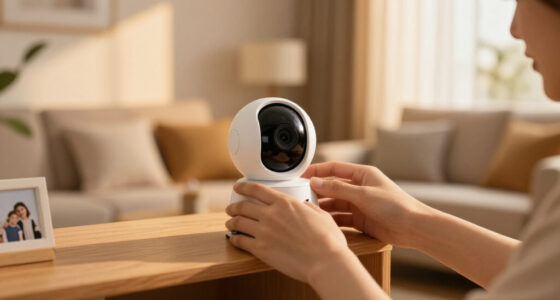
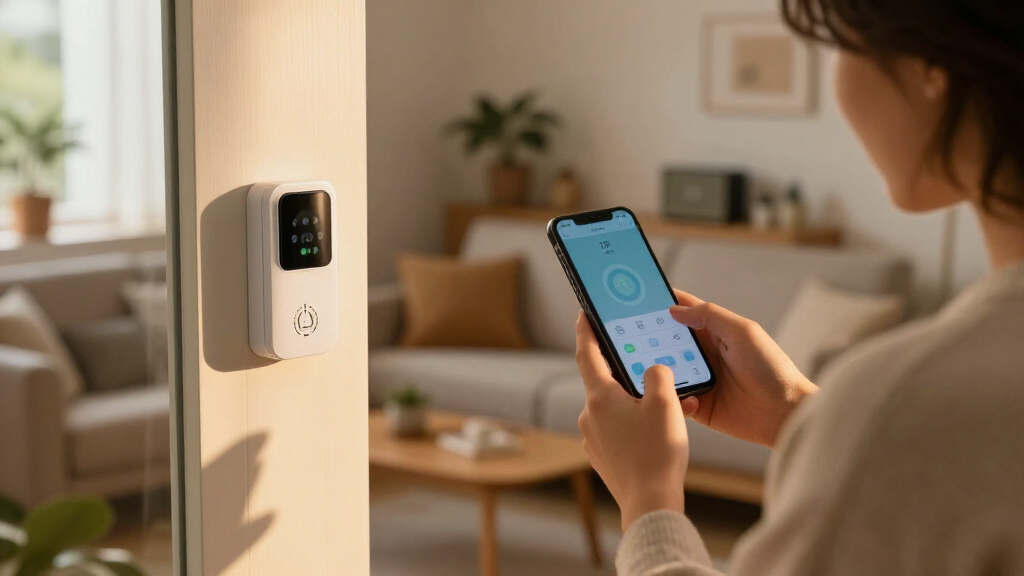
Distance no longer means being out of the loop. A compatible camera or smart doorbell can send real-time alerts, live video and doorbell notifications directly to an adult child’s phone—hundreds of miles away.
From unopened box to useful alerts
The adult child can handle most configuration through the app. The parents mainly need stable home Wi-Fi, consent to the arrangement and a device placed where it can capture the intended area.
Select a compatible device
Choose a trusted camera or doorbell with remote live view, instant push alerts, access sharing and dependable support.
Install and connect
Position it at the porch, entry or driveway. Connect it to the parents’ Wi-Fi and test the view, signal strength and power source.
Share access and tune alerts
Add only trusted relatives or caregivers. Select meaningful events—such as doorbell presses or person detection—to prevent notification overload.
Four capabilities matter most
More features do not automatically create a better safety system. Reliability, clarity and secure sharing determine whether a remote-monitoring setup actually works day to day.
Reliable home Wi-Fi
A strong signal at the device prevents delayed notifications, frozen live feeds and missed events. Test the exact installation location before final mounting.
Instant push notifications
Doorbell presses and meaningful motion should reach the adult child quickly enough to assess a visitor, delivery or unusual activity.
A clear mobile app
Look for simple live view, obvious device names, straightforward alert controls and secure family sharing without confusing menus.
Strong security controls
Prioritize encrypted transmission, two-factor authentication, unique passwords and a manufacturer with a consistent firmware-update record.
Three familiar remote-monitoring options
Use the comparison as a shortlist, then confirm current specifications, subscription terms and smart-home compatibility before buying.
| Feature | Ring Video Doorbell Pro 2 | Arlo Pro 4 | Google Nest Cam (Battery) |
|---|---|---|---|
| Indicative price | $180–$250 | $200–$220 | $180–$200 |
| Video | Full HD 1080p | Up to 4K HDR | 1080p |
| Power | Wired or battery | Rechargeable battery | Rechargeable battery |
| Alert strengths | Push alerts, custom zones | Real-time alerts, AI detection | Instant alerts, person detection |
| Mobile support | iOS and Android | iOS and Android | iOS and Android |
| Voice ecosystems | Alexa; verify other integrations | Alexa and Google Assistant | Google Assistant |
Prices and capabilities are indicative and may change by market, model revision and subscription tier.
Remote access needs firm boundaries
Get the parents’ informed consent, agree on what will be monitored and avoid private indoor areas. Local recording and surveillance laws vary, so verify the rules where the device is installed.
Use unique passwords
Create separate, strong credentials for the device account, email account and home Wi-Fi.
Turn on two-factor authentication
Require a second verification step so a stolen password alone cannot unlock camera access.
Keep firmware and apps current
Install security updates promptly and enable automatic updates when the manufacturer supports them.
Review shared access
Remove former caregivers, old devices and family members who no longer need access.
Cloud storage is useful when history matters
Live alerts help in the moment. Recorded clips help when an alert was missed, an incident needs review or several family members must understand what happened.
Best for immediate awareness
Use real-time notifications and live view when the main goal is checking a visitor or coordinating help quickly.
$0+Best for reviewing events
Paid plans commonly add longer video history, smarter detection and easier clip sharing. Typical entry pricing is about $3–$10 per month.
$3–10/moCheck the trade-offs
Review retention length, encryption, download controls, household bandwidth and what happens to recordings when the subscription ends.
VerifyCan one app manage multiple devices?
Usually, yes. Most major platforms combine several cameras and doorbells in one dashboard with device-specific alert settings.
How can false alarms be reduced?
Use person detection, activity zones, schedules and lower motion sensitivity. Test settings with real visitors before relying on them.
Can an adult child watch live video remotely?
Yes. The phone can connect over Wi-Fi or cellular data once secure app access has been granted.
Is remote monitoring legal?
Rules differ by location. Obtain consent, respect private spaces and check local audio, video and recording requirements.
How to Set Up Remote Camera and Doorbell Alerts in 3 Easy Steps
Getting alerts from afar starts with choosing the right devices, installing them correctly, and sharing access. Here’s a quick roadmap:
- Select compatible smart devices. Opt for trusted brands like Ring, Arlo, or Nest known for reliable alerts and user-friendly apps.
- Install and connect the devices to Wi-Fi. Follow simple setup guides, placing cameras and doorbells at key spots like the front porch or driveway.
- Share access with family or caregivers. Use app features to add trusted contacts, giving them real-time alerts and live feeds.
For example, a daughter in Chicago set up a Ring Video Doorbell on her parents’ porch. She connected it to her app and shared access with her siblings. Now, they all receive instant alerts whenever someone rings or motions are detected.
Popular right now

Hisense 40-Inch Class QD4SR Series Hi-QLED FHD Smart Roku TV (2026 Model)

Hisense 43-Inch E6SR Series Hi-QLED 4K UHD Smart Roku TV (2026 Model)

Bose QuietComfort Headphones (2nd Gen), Wireless Over-Ear Noise-Cancelling Headphones, Black
As an affiliate, we earn on qualifying purchases.
What Makes a Good Smart Camera or Doorbell for Remote Monitoring?
Not all devices are created equal. When choosing a smart doorbell or camera for remote alerts, look for these features:
- Reliable Wi-Fi connectivity. Devices should work seamlessly over Wi-Fi, even from far away. Weak signals can cause missed alerts or lag, reducing your ability to respond promptly. Strong, stable internet ensures you get real-time updates, which are crucial when you’re monitoring remotely.
- Instant push notifications. Alerts that notify you immediately on your phone for doorbell presses or motion detection. This immediacy allows you to assess situations quickly, whether it’s a package delivery or an unexpected visitor, helping you decide on the next steps without delay.
- User-friendly app interface. Easy setup, clear live feeds, and simple sharing options matter. A complicated app can lead to missed alerts or incorrect settings, undermining your monitoring efforts. Choose devices with intuitive interfaces to ensure you remain in control, even if you’re not tech-savvy.
- Strong security features. End-to-end encryption, two-factor authentication, and regular updates keep your data safe. Security breaches can compromise your privacy and the safety of your loved ones, so prioritizing these features helps prevent unauthorized access.
Comparison Table: Top Smart Home Devices for Remote Alerts
| Feature | Ring Video Doorbell Pro 2 | Arlo Pro 4 | Google Nest Cam (Battery) |
|---|---|---|---|
| Price Range | $180-$250 | $200-$220 | $180-$200 |
| Video Resolution | Full HD 1080p | 4K HDR | 1080p |
| Power Source | Wired or battery | Rechargeable battery | Rechargeable battery |
| Alerts | Push notifications, custom zones | Real-time alerts, AI motion detection | Instant alerts, person detection |
| App Compatibility | iOS, Android, Alexa, Google Assistant | iOS, Android, Alexa, Google Assistant | iOS, Android, Google Assistant |
How to Keep Everything Secure and Private from Afar
Remote alerts are powerful, but security is key. Here’s how to keep your setup safe:
- Use strong, unique passwords for device accounts and Wi-Fi.
- Enable two-factor authentication (2FA) wherever possible.
- Keep firmware updated as manufacturers release security patches.
- Limit sharing access to trusted family members only.
For instance, a dad in Miami set up a Nest Cam and shared access with his daughter in Boston. Both use 2FA and regularly update the app, making hacking attempts nearly impossible.
What If Your Parents Are Not Tech-Savvy? Make It Easy for Them
If your parents aren’t comfortable with tech, choose devices that prioritize simplicity. Think one-button setup, clear instructions, and automatic alerts.
- Opt for models with auto-installation features.
- Set up the alerts for specific events so they don’t get overwhelmed with notifications.
- Provide a quick tutorial or a written guide for basic operation.
For example, a son in Seattle installed a Ring Video Doorbell and set it up to send him alerts only when the doorbell is pressed. His parents just press the button — no fuss, no confusion.
When and Why You Should Use Cloud Storage for Your Footage
Cloud storage lets you access recorded video clips anytime, anywhere. If your main concern is reviewing past events, it’s a smart move. Having stored footage not only provides evidence in case of suspicious activity but also allows you to review incidents that you might have missed in real-time. This can be especially useful if you’re managing multiple devices or need to verify what happened during a specific time window.
Most devices offer free basic plans with limited storage (around 24 hours), or paid plans starting at $3/month for longer history. Think of it like a digital security tape recorder that you can access from your phone. However, consider the privacy implications of storing sensitive footage on the cloud, and ensure that the service you choose has robust security measures. Also, be aware of potential bandwidth usage, especially if your internet connection is slow or data-limited.
What Are the Biggest Benefits of Monitoring From Another City?
Remote monitoring offers peace of mind. You can see who’s at the door, catch suspicious activity early, and coordinate help if needed. It’s like having a digital set of eyes on the house 24/7. This constant vigilance can help prevent incidents before they escalate, providing a sense of security even when you’re miles away.
Plus, with AI features, you reduce false alarms — no more getting alerts for squirrels or falling leaves. This saves time and keeps your anxiety in check. For example, some systems can distinguish between a person and an animal, ensuring you only get alerts for meaningful events. Imagine catching a package thief on camera — before they even leave the porch. That’s the power of smart alerts from afar, enabling quick action and peace of mind.
Frequently Asked Questions
Can I set up alerts for multiple devices from one app?
Yes, most smart home apps allow you to add multiple cameras and doorbells. You can customize alerts for each device and view all feeds from a single dashboard.What’s the best way to get alerts without false alarms?
Look for devices with AI-powered motion detection. Customize zones and sensitivity settings to focus alerts on important areas, reducing false alarms caused by animals or trees.Is it legal to monitor my parents’ home remotely?
Laws vary by location, but generally, you should have your parents’ consent and respect their privacy boundaries. Always check local regulations before installing or monitoring cameras.What if my internet isn’t fast enough for live streaming?
Many devices support local storage and only upload footage when needed. Upgrading to a better internet plan can also improve live feeds and notifications.Conclusion
Keeping an eye on your parents’ home from another city is entirely possible — and surprisingly simple. The right devices, security practices, and setup give you peace of mind and quick help when needed. It’s about staying connected without being intrusive.
Think of it as installing a silent guardian — always watching, always alert, always caring.