TL;DR

Turn quiet afternoons into listening time
- Thousands of audiobooks, podcasts and originals
- Listen on your phone, tablet or Echo — also offline
- Cancel anytime
Most smart devices need the internet for full features, but many can still operate locally during outages. Upgrading to devices with local control and a stable network can keep your smart home working when the internet drops.
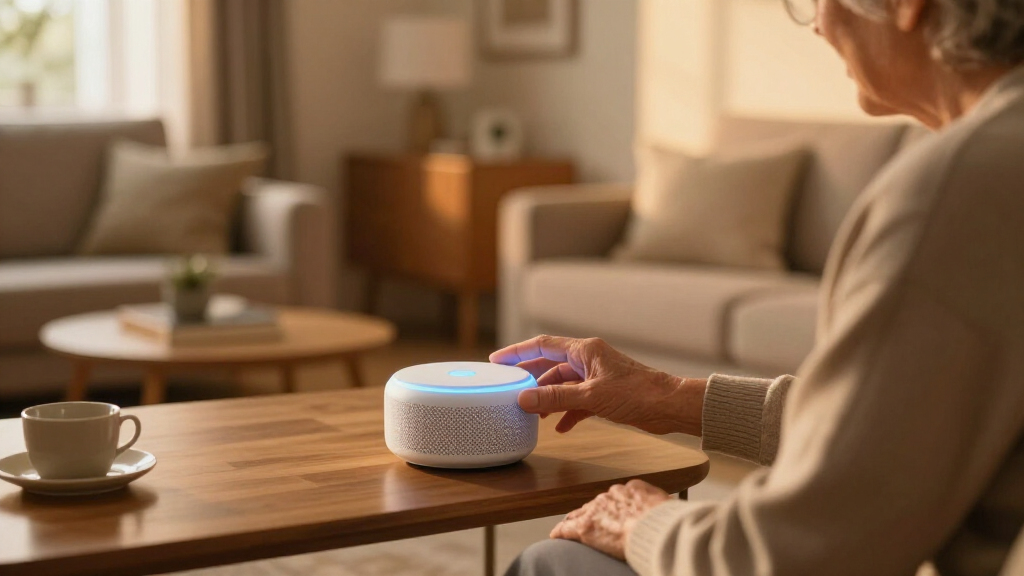
Imagine waking up to find your smart lights flickering, your security camera frozen, and your voice assistant silent. When the internet drops, your smart home can feel like a house of cards. But not all hope is lost. Understanding what happens when the internet goes down helps you keep your home safe, functional, and stress-free during these moments.
This guide walks you through what your smart devices need, what they can do without the internet, and how to set up your home so you’re less vulnerable to connectivity hiccups. No jargon, just clear advice you can put into action today.
Most smart devices need the internet for all features, but many can operate locally for core functions.
Devices with local control or hubs keep working during outages, providing peace of mind.
Upgrading your Wi-Fi to mesh systems and adding backup power boosts resilience.
Choosing devices that support local control is a smart move for long-term stability.
Regularly testing your setup can reveal gaps before an outage hits.
Why Most Smart Devices Depend on the Internet—and What That Means
Most smart home devices rely on the internet to connect to cloud servers for processing, updates, and remote control. When the internet drops, their full range of features often stalls. Think of it like a chef needing ingredients from a distant warehouse—without access, the dish can’t be made.
For example, your smart thermostat might still read the temperature locally, but it can’t change settings remotely or update its software. Similarly, a security camera might record locally but won’t send alerts or stream footage if the cloud connection is broken.
This dependence means your smart home’s “brain” often lives in the cloud, not in your house itself. That’s why understanding the difference between devices that rely solely on cloud services and those with local controls is key.
Implication-wise, this reliance can lead to frustration during outages, especially if critical functions like security or climate control become inaccessible. It also highlights a tradeoff: cloud-based systems often offer easier setup and automatic updates but sacrifice some resilience. Conversely, local control devices may require more initial setup effort but provide greater reliability when connectivity is compromised.
Popular right now

Hisense 40-Inch Class QD4SR Series Hi-QLED FHD Smart Roku TV (2026 Model)

Hisense 43-Inch E6SR Series Hi-QLED 4K UHD Smart Roku TV (2026 Model)

Ninja Flip Toaster Oven and Air Fryer, 8-in-1, Stainless Steel, SP151
As an affiliate, we earn on qualifying purchases.
Which Devices Keep Working Without the Internet? Real-World Examples
Some smart devices are designed to keep functioning even if the internet disappears. For example, many smart locks and security hubs can operate locally via Wi-Fi or Zigbee/Z-Wave protocols. These devices typically have built-in mechanisms—like keypads or Bluetooth—that allow direct access without needing an internet connection. This local operation is crucial because it ensures you can still secure or access your home even during outages, which is vital for safety and peace of mind.
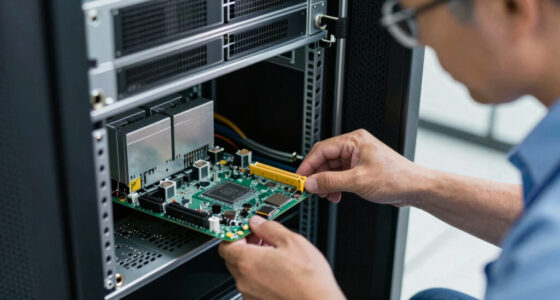
Consider a smart hub like Hubitat or a home automation system like Home Assistant. They process commands locally, so your lights, locks, and sensors keep working during an outage. This local processing acts as a safety net, preventing total system failure and allowing you to maintain essential functions when internet connectivity is lost.
In contrast, a smart camera that streams footage to the cloud becomes useless if the internet drops, unless it has local storage options like an SD card. Knowing which devices support local control makes a big difference during outages because it directly affects your ability to monitor and secure your home in real-time. The key is to choose devices that prioritize local operation, especially for critical security functions, so you’re not left vulnerable when the cloud connection fails.
How Your Network and Setup Can Help Keep Things Running
The stability of your Wi-Fi network and home setup plays a big role in how your smart home performs during outages. A weak or overcrowded network can turn a minor internet hiccup into a full-blown system failure, leaving you without control or security. This is why investing in a robust network infrastructure is essential for resilience.
Upgrading to a mesh Wi-Fi system like Google Nest Wifi or Eero can significantly improve your network’s stability by providing multiple access points that distribute a strong, consistent signal throughout your home. This reduces dead zones and ensures your devices maintain a reliable connection, which is especially important during outages or network congestion.
Adding a backup power source, such as an uninterruptible power supply (UPS), ensures that your router and smart hubs stay powered during power outages. This is crucial because even if your internet service is restored quickly, a power failure can prevent your devices from functioning locally.
Finally, selecting devices that support local control and verifying they can operate without internet is vital. Combining resilient hardware, a strong network, and backup power creates a smart home that can withstand connectivity hiccups and continue functioning as intended. The tradeoff here involves some upfront investment and planning but results in a more dependable system in the long run.
Frequently Asked Questions
Will my smart home devices stop working entirely if the internet goes down?
Not always. Devices with local control can often continue functioning, such as unlocking a smart lock or controlling lights directly. Cloud-only devices will lose remote features but may still perform basic tasks locally.Can I still control my smart devices during an internet outage?
Yes, if your devices support local control or are connected via a local hub. Otherwise, remote control via apps or voice assistants will be limited until the internet is restored.What’s the best way to prepare my smart home for internet outages?
Invest in devices with local control, set up a reliable mesh Wi-Fi system, add a UPS for power backup, and test your setup regularly to identify potential weak points.Are there smart home systems designed to be resilient during outages?
Yes, many systems prioritize local control and can operate independently of cloud services, making them more resilient to internet disruptions.How long can my smart home devices operate without internet?
It depends on the device. Some can run indefinitely locally, while those relying solely on cloud services become non-functional during outages. Planning ahead is key.Conclusion
Knowing what happens when the internet drops helps you keep your smart home humming. Focus on devices with local control, strengthen your network, and add backup power. With these steps, your smart home won’t just survive outages — it will thrive through them.
Think of your smart home as a well-trained team: some tasks need the cloud, but many can run smoothly on their own. Ready to make your setup more resilient? Start now, and sleep easier knowing your smart home is prepared for anything.