TL;DR

Turn quiet afternoons into listening time
- Thousands of audiobooks, podcasts and originals
- Listen on your phone, tablet or Echo — also offline
- Cancel anytime
Unmonitored medical alert systems rely on user-activated alarms to summon help, without automatic emergency dispatch. They cost less and preserve privacy but require someone nearby to respond. They’re best for independent users with support networks.
Imagine a safety device you can wear or place around your home that, when pressed, shouts out for help. No monthly fees, no constant monitoring — just straightforward protection. That’s the appeal of unmonitored medical alert systems.
If you’re someone who values independence but wants a quick way to attract attention during an emergency, understanding how these systems work can help you decide if they fit your lifestyle. Let’s explore what makes these unmonitored buttons different from traditional systems and whether they’re the right choice for you.
What exactly are unmonitored medical alert systems?
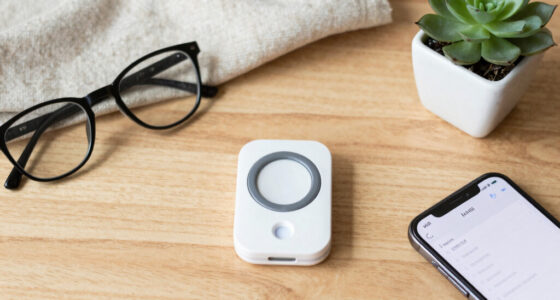
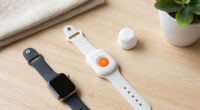
Unmonitored medical alert systems are devices with emergency buttons that you press during a crisis. Unlike traditional systems that connect to a call center, these don’t automatically alert emergency services or loved ones. Instead, they produce a loud alarm or visual signal to draw attention nearby.
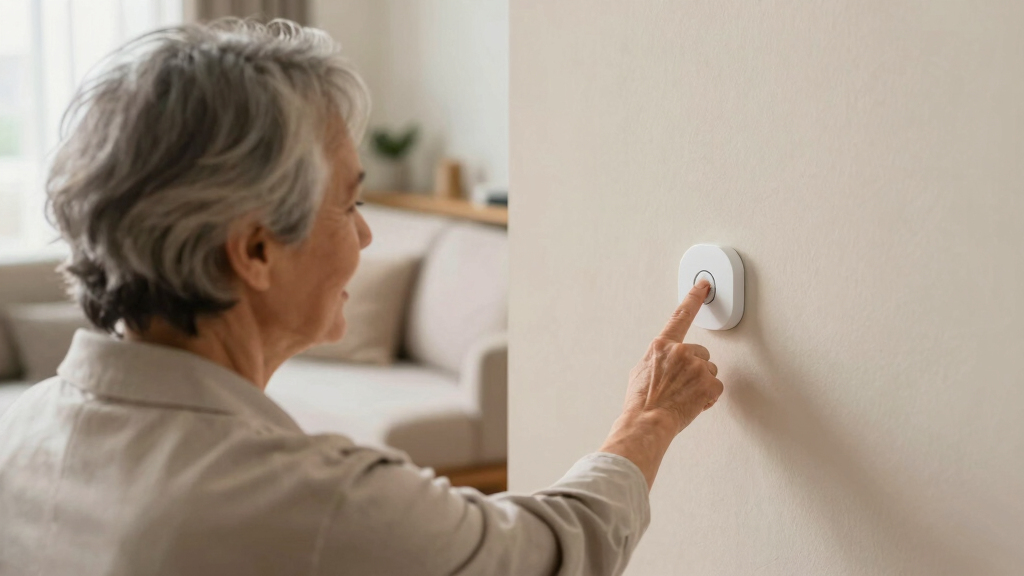
Imagine pressing a small pendant during a fall or sudden pain. The device emits a shrill, attention-grabbing sound, alerting anyone nearby — family, neighbors, or even bystanders — that you need help. No automatic dispatch, just a loud call for assistance.
The importance of understanding this distinction lies in recognizing the tradeoff between simplicity and automatic safety. While these devices are straightforward and affordable, they rely heavily on nearby people to respond. This means that if you’re alone or in an isolated area, the system’s effectiveness diminishes, which is a critical consideration for safety planning. The choice reflects a balance between cost, privacy, and the level of guaranteed response. They are best suited for individuals who have a reliable support network close by or who are in environments where help can be quickly mobilized by others.
Popular right now

TCL T7 Series 85-Inch 4K 144Hz QLED Smart Google TV

Ninja CREAMi 7-in-1 Ice Cream Maker, NC299AMZ

Dyson Ball Animal 3 Upright Vacuum
As an affiliate, we earn on qualifying purchases.
How do unmonitored buttons actually work?
When you press the button, the device springs into action by emitting a loud alarm—sometimes up to 110 decibels—similar to a siren. Some models incorporate flashing lights or vibrations to enhance visibility and usability.
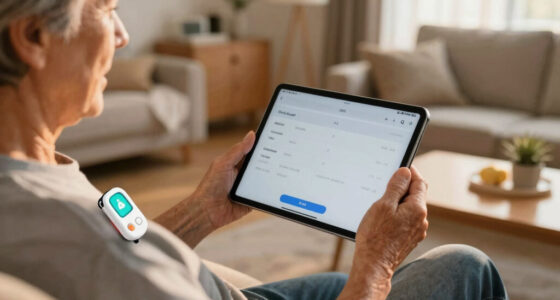
For example, a senior outside gardening might press a wearable pendant if she feels faint. The loud noise alerts neighbors or passersby. Some devices also connect via Bluetooth or Wi-Fi to a paired app, sending notifications to family members’ phones, but they don’t automatically call emergency services unless you manually do so.
This setup means help is not guaranteed, but the device acts as a loud beacon to summon nearby aid. The implications are significant: while the device can effectively alert those nearby, it doesn’t replace the need for a support system or a plan for emergency situations where immediate help is critical. The tradeoff here is between affordability and reliability—these systems are less comprehensive but more accessible. They’re ideal in situations where the user’s environment is predictable and they have trusted contacts nearby who can respond quickly in an emergency.
What are the main benefits of unmonitored systems?
- Cost savings: They typically cost under $50 upfront, with no monthly monitoring fees.
- Privacy: No third-party monitoring means fewer privacy concerns or data sharing.
- Simplicity: Easy to set up and operate, with straightforward alarms and signals.
- Flexibility: Portable options let you carry help in your pocket, whether at home or outdoors.
Picture a busy retiree who wants basic safety without ongoing costs. An unmonitored device offers peace of mind without the financial or privacy trade-offs of traditional systems. The key implication is that users retain control over their safety tools, avoiding ongoing subscriptions and data collection. However, this simplicity also means accepting that the device cannot automatically summon emergency help, which may be a critical limitation for some users. Therefore, choosing an unmonitored system involves weighing the value of privacy and affordability against the potential need for guaranteed assistance in emergencies.
What are the limitations you need to know?
- No automatic help: Help only arrives if someone nearby hears the alarm or you manually contact emergency services.
- Requires user activation: If you’re unable to press the button — say, after a serious fall or sudden illness — the system can’t summon help for you.
- Limited to local alerts: For outdoor or active use, you need GPS-enabled models, but help still depends on manual response.
- Not for high-risk individuals: Those with severe health issues or cognitive impairments should consider monitored systems for safer coverage.
Understanding these limitations is crucial. The main concern is that help is not automatically guaranteed, which can be a serious drawback if you’re alone or incapacitated. The system’s reliance on nearby people or your own response means it’s less suitable for situations where quick, automatic assistance is vital. For example, someone with mobility issues who falls and can’t reach the alarm may be left without help, highlighting the importance of assessing your personal risk factors before choosing this type of device. The tradeoff involves accepting a less comprehensive safety net in exchange for affordability and privacy, so careful consideration of your environment and health status is essential when selecting a system.
Latest trends making unmonitored systems smarter
Recent innovations are adding new layers to unmonitored medical alert buttons. Integration with smart home devices lets you activate alerts via voice commands or mobile apps. For example, a user can say, ‘Help,’ to a smart speaker, triggering the alarm.
Some newer models include louder alarms, flashing lights, or vibration features to catch attention better. Portable GPS-enabled devices are gaining popularity, especially among active seniors or outdoor enthusiasts, providing location info but still relying on manual activation.
Hybrid systems are also emerging, combining unmonitored buttons with optional monitoring plans. This flexibility appeals to those who want basic safety but can upgrade if needed. These advancements reflect a recognition that users want more control and smarter features, but it’s important to understand that these enhancements still often require manual activation and do not automatically provide emergency dispatch, which is a key consideration when evaluating the safety level of these devices.
Is an unmonitored system right for you?
Think about your daily routine and health. Are you physically able to press a button in an emergency? Do you have neighbors, family, or friends nearby who can respond quickly?
If yes, an unmonitored system might be a good fit. It offers essential safety without extra costs or data sharing. But if you have mobility challenges, cognitive issues, or live alone far from help, a monitored system provides more peace of mind.
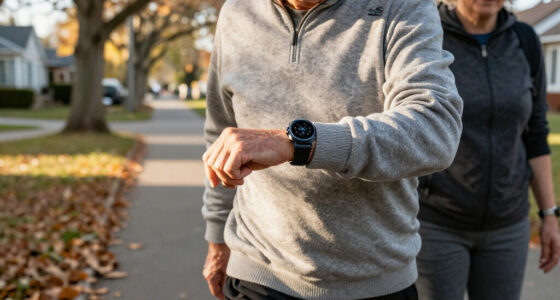
Consider your lifestyle. For someone who spends hours gardening or walking outside, a GPS-enabled portable device can be a smart addition, giving you safety outside the home, though help still depends on your response. Ultimately, the decision hinges on balancing independence with safety and assessing the likelihood that someone nearby can respond promptly in an emergency.
What happens if I press the button and no one responds?
In most cases, pressing the button triggers a loud alarm or flashing lights, drawing attention. But no automatic call to emergency services occurs unless you’ve set up a connected app or manual contact.
Imagine pressing your pendant after a fall. The alarm sounds, neighbors look out their windows, but unless someone calls 911 or you do, no help arrives automatically. It relies heavily on immediate nearby response or your own action. This means that if you’re alone or incapacitated, the system’s effectiveness depends entirely on someone else’s awareness or your ability to respond. The implication is that these devices are best viewed as supplementary safety tools rather than comprehensive emergency solutions, emphasizing the importance of having a support plan that includes other safety measures.
Are there any legal or insurance perks?
Most insurance companies don’t specifically cover unmonitored systems for emergency dispatch. However, some may offer discounts for safety devices or fall prevention equipment.
Understanding the insurance implications helps you evaluate the true value of these devices. While they are affordable and easy to use, they don’t typically provide direct financial benefits through insurance discounts for emergency response. Nonetheless, some insurers recognize safety devices as part of fall prevention or health management programs, which could translate into savings or benefits. It’s important to check with your insurer beforehand to understand whether your investment in an unmonitored device could qualify for any perks, or if additional safety measures might be necessary for comprehensive coverage. Being informed allows you to align your safety tools with your broader health and insurance planning, ensuring you get the most value from your investment.
Key takeaways from this quick guide
- Cost-effective: Usually under $50 upfront, with no monthly fees.
- Best for independent users: Ideal if you have a support network nearby and can respond to alarms.
- No automatic dispatch: Help arrives only if someone nearby hears or you call for help.
- Smart features emerging: Voice activation and GPS options are expanding usability.
- Limitations apply: Not suitable for high-risk or immobile individuals needing automatic assistance.
In summary, unmonitored systems are a practical choice for those who prioritize privacy, affordability, and control over their safety devices. However, understanding their limitations is crucial—these are tools that depend heavily on immediate human response, so they are most effective within a support network or controlled environment. Carefully consider your personal needs, environment, and health risks before opting for this type of system to ensure it aligns with your safety expectations and lifestyle.
Frequently Asked Questions
Are unmonitored medical alert systems safe?
They’re safe if you’re physically able to press the button and have someone nearby. They don’t automatically call emergency services, so help depends on nearby responders or your own action.
How do I decide between monitored and unmonitored systems?
Assess your health, mobility, and support network. Monitored systems are better for high-risk or mobility-challenged individuals, while unmonitored options work well for independent users with nearby help.
Can I use unmonitored systems outside the home?
Yes, especially GPS-enabled portable models. They give your location, but help still relies on manual activation and nearby response.
What if I press the button and no one responds?
The device will sound an alarm, but no automatic emergency contact occurs. You must have someone nearby or call emergency services yourself. It’s a safety tool, not a full dispatch system.
Do insurance companies offer any perks for these devices?
Most don’t provide direct coverage for emergency dispatch, but discounts or benefits may exist. Check with your insurer to see if safety devices qualify for savings or benefits.
Conclusion
Choosing a safety device is about matching your needs with what technology can do. Unmonitored systems shine in simplicity and affordability, but they depend on immediate response. Imagine a device that’s always ready, just waiting for your call — it’s a safety net that’s easy on the budget and respects your independence.
Remember: no system replaces good support networks or smart planning. Think about your lifestyle, your support, and how you’d respond in an emergency. Sometimes, the simplest tools are the most powerful — if used wisely.