TL;DR

Turn quiet afternoons into listening time
- Thousands of audiobooks, podcasts and originals
- Listen on your phone, tablet or Echo — also offline
- Cancel anytime
Simple phones for memory loss use large buttons, photo dialing, and restricted contact lists to make calling easier and safer. These features help users stay connected without confusion, supporting independence and reducing caregiver stress.
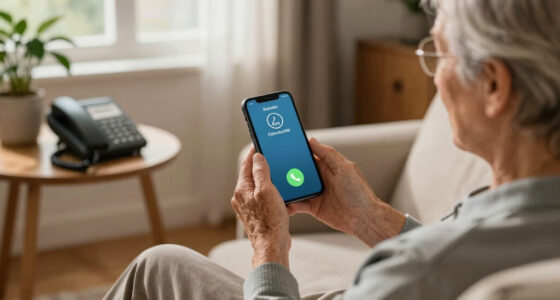
If you’ve ever watched a loved one struggle to find the right contact on a tiny screen, you know how frustrating and risky it can be. For people with memory loss, simple phones aren’t just about convenience — they’re lifelines. These devices strip down tech to the essentials, making communication straightforward and safe.
Today, you’ll learn how features like photo dialing and restricted contact lists transform a basic phone into a powerful tool for independence. We’ll explore how these tools keep users connected, protected, and confident in their everyday lives.
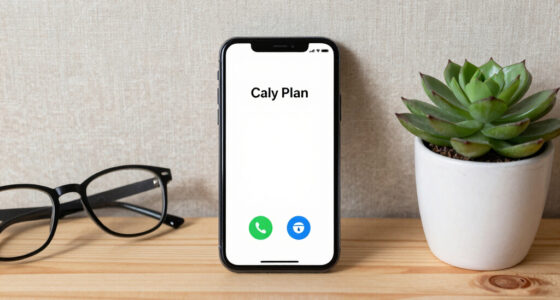
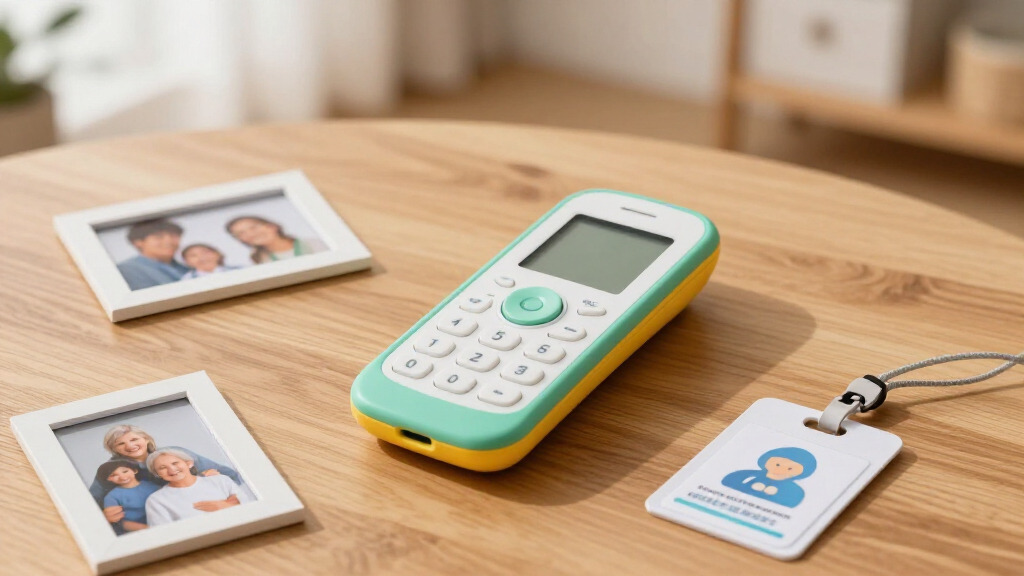
Photo dialing with large, familiar images helps users quickly identify and call loved ones, reducing confusion.
Restricted contact lists prevent accidental or unsafe calls, keeping users safe and giving caregivers peace of mind.
Choosing a device depends on physical ability, safety needs, and budget—prioritize features that match the user’s daily routine.
Recent tech advancements now combine simplicity with safety features like GPS and fall alerts, enhancing independence.
Prices vary but expect to invest $50-$200 for a device that balances ease of use and essential safety features.
Why Simple Phones with Photo Dialing Make a Difference
Photo dialing turns a complicated task into a visual memory. Instead of trying to remember or read names, users press a big, familiar picture. Imagine Grandma pressing a bright, smiling photo of her granddaughter — it’s a quick, confident move. Large buttons and clear screens make this even easier.
But why does this matter? For individuals with memory challenges, visual cues serve as anchors in their daily routines. They reduce cognitive load, which means less confusion and frustration. This can lead to quicker, more confident calls, fostering independence. The tradeoff is that setting up these photos requires initial effort, and if not maintained, the images might become outdated or less meaningful. Nonetheless, the benefit of immediate recognition often outweighs these challenges, especially in emergency situations where speed and accuracy are critical.
simple phones with photo dialing for seniors
As an affiliate, we earn on qualifying purchases.
As an affiliate, we earn on qualifying purchases.
How Restricted Contact Lists Keep Users Safe
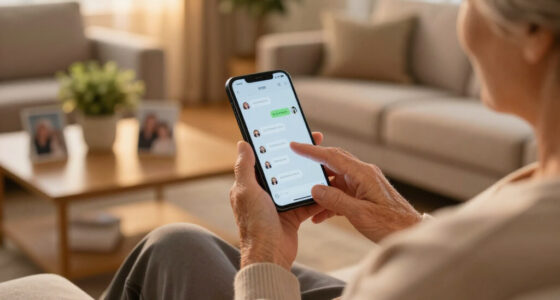
Restricted contact lists limit who your loved one can call, preventing accidental or unsafe calls. These lists are pre-programmed with trusted contacts like family, caregivers, or doctors. Many devices lock these lists so they can’t be changed without a password or help.
This feature is crucial because it minimizes risks associated with confusion or forgetfulness. For example, a person with cognitive impairment might accidentally dial an unfamiliar number or a number associated with scams. By restricting access, you ensure they reach only trusted individuals, reducing anxiety for caregivers and enhancing safety. However, this tradeoff can mean less flexibility for the user to reach out in emergencies if the list isn’t comprehensive. Therefore, careful curation of trusted contacts is essential, and regular updates are necessary to adapt to changing circumstances. The goal is to strike a balance: providing enough freedom for independence while maintaining safety.
restricted contact list phones for memory loss
As an affiliate, we earn on qualifying purchases.
As an affiliate, we earn on qualifying purchases.
Comparing Features: Standard vs. Advanced Simple Phones
| Feature | Basic Simple Phones | Enhanced Simple Phones |
|---|---|---|
| Photo Dialing | Yes, with large photos | Yes, with customizable photos |
| Restricted Contacts | Limited, lockable list | Limited, lockable, with additional customization options |
| Emergency Button | Often included | Yes, with direct access to emergency services |
| Smart Features | Rarely included | Some incorporate GPS, fall detection, or alerts |
Understanding these differences helps caregivers and users weigh convenience against added safety features. While basic models cover essential needs, enhanced models offer additional layers of security and personalization. The tradeoff often involves cost and complexity, but choosing the right balance can significantly impact daily safety and independence.
large button phones with emergency contacts
As an affiliate, we earn on qualifying purchases.
As an affiliate, we earn on qualifying purchases.
Practical Tips for Choosing the Right Phone
Picking the perfect simple phone isn’t just about features. Think about the person’s physical abilities and comfort. For instance, if they have limited dexterity, look for devices with big, textured buttons and a sturdy grip.
Ask yourself these questions:
- Do they need quick access to emergency help?
- Are they comfortable with customizable photos?
- Will they benefit from a lockable contact list?
- What’s your budget?
Beyond features, consider how the device fits into their daily routine. For example, a person with arthritis might struggle with small buttons, making larger, rubberized keys essential. Also, a device with an emergency button that directly connects to caregivers can provide peace of mind, especially if the user is prone to wandering or falls. Weighing these factors helps ensure the device you choose aligns with their safety needs, physical capabilities, and your financial considerations, ultimately supporting their independence without sacrificing security.
easy-to-use mobile phones for elderly with cognitive impairment
As an affiliate, we earn on qualifying purchases.
As an affiliate, we earn on qualifying purchases.
Recent Innovations Making These Phones Smarter
Newer simple phones blend safety with smart tech. Some now include GPS tracking or fall alerts, which are especially helpful for those at risk of wandering or falls. Imagine a device that not only lets them call loved ones but also alerts you if they’ve fallen or gone outside.
Manufacturers are also offering more personalized options. You can upload familiar photos, set up quick-dial buttons, or even connect via Bluetooth to hearing aids or GPS trackers. These updates help maintain independence while adding layers of security. They also reflect a growing recognition that safety and familiarity are key to empowering users, making these devices more adaptable to individual needs and lifestyles.
What to Expect in Cost and Market Trends
Prices for these specialized phones range from around $50 to $200. Budget models cover basic features like photo dialing and limited contacts, while higher-end devices add emergency buttons and smart safety features. As the global aging population grows, so does the market for these simplified, safety-focused devices.
Market trends indicate a steady increase in demand, driven by aging populations and technological advancements. This growth suggests that manufacturers are investing more in developing affordable, user-friendly devices that balance simplicity with safety. For consumers, this means more options at various price points, making these essential safety tools more accessible. The increasing availability also encourages competition, which can lead to better features and lower prices over time, ultimately benefiting users and caregivers alike.
Your Questions, Answered: Choosing and Using These Phones
Q: Are these phones suitable at all stages of memory loss? They work best for early to moderate stages, where users can still operate simple devices with minimal guidance. For advanced stages, more comprehensive caregiver solutions may be needed.
Q: Can I personalize the contacts and photos? Yes, most devices allow you to upload familiar photos and set specific contacts, making it easier for users to recognize who they’re calling.
Q: How secure are the restricted contact features? Very secure. Most phones lock the contact list with a PIN or password, preventing accidental or unauthorized changes.
Q: What’s the typical cost? Expect to spend between $50 and $200, depending on features and brand.
Q: Are there alternatives? Yes, including simplified smartphones, emergency pendants, or wearable devices with calling capabilities.
Conclusion
A simple phone isn’t just a gadget — it’s a bridge back to independence and safety for those with memory loss. By focusing on visual cues and restricting access, you can help your loved ones stay connected without the stress of complex tech.
Think of these devices as trusted companions: easy to recognize, simple to operate, and always ready to help. A little investment now can mean more confidence and less worry tomorrow.
Evergreen bestsellers Picks
bestsellers
As an affiliate, we earn on qualifying purchases.