
TL;DR

Turn quiet afternoons into listening time
- Thousands of audiobooks, podcasts and originals
- Listen on your phone, tablet or Echo — also offline
- Cancel anytime
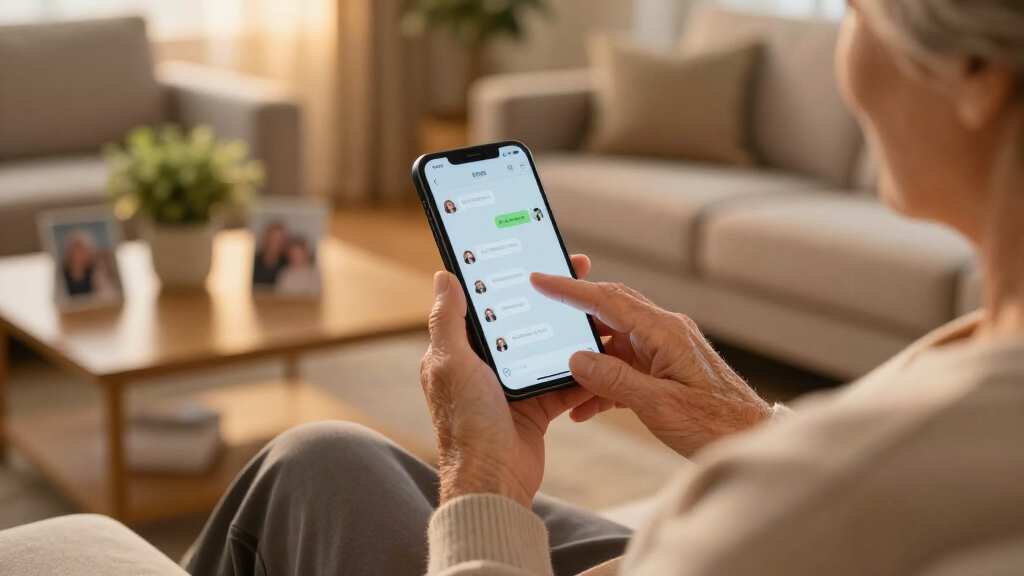
This article offers a gentle, practical first-week lesson plan for grandparents new to texting. It covers device basics, messaging skills, etiquette, and safety tips — all tailored for ease and confidence.
Getting started with texting can feel like learning a new language—fast, confusing, and full of unexpected twists. But for grandparents eager to stay close with grandchildren, it’s worth the effort. The good news? With patience and a simple plan, they can become comfortable texters in just one week.
This guide is designed to break down the process into manageable steps, focusing on real-world scenarios that make sense. No tech jargon, no overwhelming details—just practical tips that turn a daunting task into an achievable goal.
Break learning into small, manageable steps—don’t rush through device basics first.
Use daily practice with simple goals to build confidence and reduce overwhelm.
Leverage accessibility features like larger fonts and voice-to-text for easier texting.
Encourage questions and patience—mistakes are part of the learning process.
Focus on safety: avoid risky links and protect personal info from the start.
Why Starting Small Makes All the Difference
Texting is a new skill, and like any new habit, it’s easiest when broken into small, manageable chunks. For grandparents, this means focusing on one thing at a time—like turning on the phone, sending a hello, or understanding emojis.
For example, imagine turning on a simple flip phone and practicing pressing the home button. Once comfortable, move on to opening the messaging app. These small wins build confidence and reduce frustration.
Research shows that gradual learning encourages better retention and less anxiety—crucial for older adults trying to navigate new tech.
Popular right now

Bose QuietComfort True Wireless Earbuds with Active Noise Cancellation, Black

Ninja Foodi 10-Qt DualZone Air Fryer, 6-in-1, Black (DZ302)

Vitamix 5200 Professional-Grade Blender, 64 oz. Container, Black
As an affiliate, we earn on qualifying purchases.
How to Teach Device Familiarity in 3 Easy Steps
- Power On & Unlock: Show how to turn on the device, then unlock it with a simple swipe or PIN. Practice this until it feels natural.
- Open the Messaging App: Tap the icon, which might be a speech bubble or envelope. Repeat several times so it becomes second nature.
- Explore Basic Navigation: Practice scrolling through messages, opening a conversation, and returning to the home screen. Keep sessions short and fun.
For example, spend 10 minutes practicing these steps, then celebrate small successes like opening a message or finding the keyboard.
This foundation helps reduce the mystery and makes moving to actual messaging much smoother.
Making Texting Easy with Simple Tips and Tricks
Texting for grandparents works best when it’s tailored to their needs. Here are some practical tricks:
- Increase font size in settings for easier reading.
- Enable predictive text to save time and reduce typos.
- Use voice-to-text features to speak messages instead of typing.
- Keep messages short—a quick “Hi!” or “See you soon!” feels more manageable.
Imagine sending a quick “Good morning!” with a big, colorful emoji. It’s simple, cheerful, and gets the message across without fuss.
Practicing these tricks makes texting less intimidating and more fun.
Common Mistakes & How to Avoid Them
Many new texters hit roadblocks like confusing emojis, misunderstandings, or accidental sends. Understanding why these happen helps prevent frustration and builds confidence. For instance, overusing emojis might seem fun but can lead to miscommunication if the receiver interprets them differently. Misreading tone is common in text because it lacks vocal cues—being clear and kind is essential to avoid hurt feelings. Sending incomplete messages often results from rushing or distractions, so double-checking ensures clarity. Clicking unsafe links poses security risks, especially for seniors less familiar with online scams. Recognizing these pitfalls and understanding their implications helps grandparents develop better habits, reducing misunderstandings and potential security threats. Patience and practice turn mistakes into learning moments, fostering a positive experience rather than discouragement.
Sample Daily Goals for the First Week
Setting small, daily goals keeps progress steady and achievable. Here’s a plan:
- Day 1: Power on device, unlock, and find the messaging app.
- Day 2: Send a simple “Hello!” to a family member.
- Day 3: Practice opening received messages and replying.
- Day 4: Use voice-to-text to send a message.
- Day 5: Add an emoji to a message.
- Day 6: Send a message confirming plans, like “See you at 4!”
- Day 7: Review everything learned, and send a cheerful note to a loved one.
Each day builds confidence, with small victories stacking up to a solid foundation. This gradual approach allows grandparents to feel a sense of mastery and reduces the overwhelm often associated with new technology. Recognizing their progress encourages continued learning and helps establish a positive attitude toward ongoing tech use.
Frequently Asked Questions
How do I motivate my grandparent to start texting?
Start by showing how texting can make staying in touch easier and more fun. Share quick stories of family members who use it daily, and celebrate even small successes together to build their confidence.
What if my grandparent gets frustrated or gives up?
Patience is key. Suggest taking breaks, and remind them that everyone learns at their own pace. Keep the process light and positive, celebrating every little win.
Are there any apps specifically designed for seniors?
Many messaging apps are user-friendly, like WhatsApp or Facebook Messenger. Some devices also come with simplified interfaces or large-button versions, which can make texting easier for grandparents.
What if my grandparent accidentally sends the wrong message?
Reassure them that mistakes happen, and it’s easy to correct or clarify. Showing how to delete or edit messages can also help build confidence.
How can I keep the learning fun and stress-free?
Use humor, share funny emojis, and keep sessions short and light. Remember, the goal is to make texting feel like a helpful tool, not a test they have to pass.
Conclusion
Teaching texting to grandparents isn’t about mastering every feature right away—it’s about creating comfort and confidence step by step. With patience, practice, and a few simple tricks, they’ll be sharing messages with loved ones in no time.
Imagine your grandma or grandpa smiling as they send their first emoji or reply with a quick “Can’t wait to see you!” — that’s the real reward of this gentle approach. Just remember: every small step counts, and persistence turns beginners into proficient texters.