
TL;DR

Turn quiet afternoons into listening time
- Thousands of audiobooks, podcasts and originals
- Listen on your phone, tablet or Echo — also offline
- Cancel anytime
Big-button phones generally work with hearing aids, but compatibility depends on their M/T ratings. Check these ratings and your hearing aid’s features to avoid interference and feedback. Bluetooth streaming offers an alternative for many users.
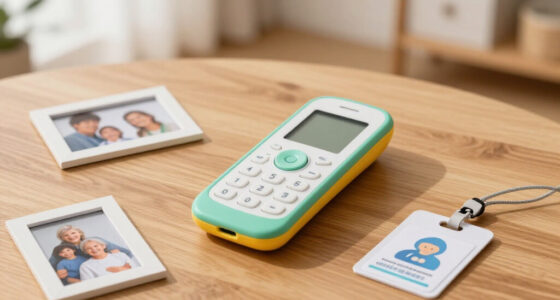
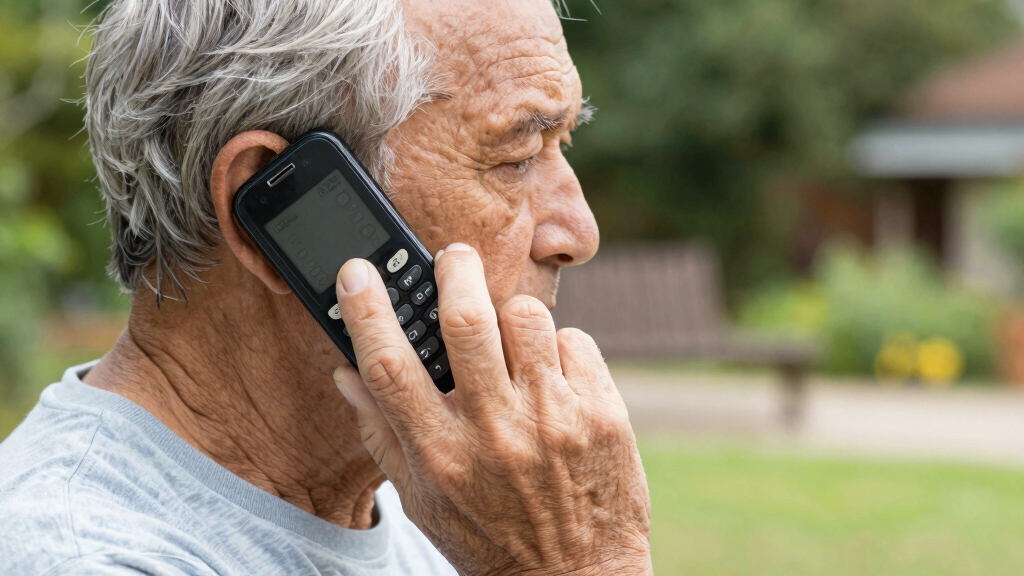
If you’re tired of squinting at tiny numbers on phone boxes or dealing with buzzing and feedback, you’re not alone. Many seniors find big-button phones easier to handle but worry about whether their hearing aids will cooperate. The truth? Most modern big-button phones are compatible — but how well depends on specific ratings and features.
Understanding the M and T ratings can feel like decoding a secret code. Once you know what they mean, you can select a phone that connects smoothly with your hearing aid, making calls clearer and less frustrating. Let’s explore how these ratings work and what you need to look for to keep your conversations ringing true.
Check both the M and T ratings of your phone and hearing aid — a combined score of 5 or higher usually means good compatibility.
Corded big-button phones often cause fewer interference issues than cordless models, especially those using older DECT technology.
Amplification alone doesn’t guarantee clear calls; look for phones with high M/T ratings or consider Bluetooth streaming options.
Many modern hearing aids connect directly via Bluetooth, bypassing compatibility concerns altogether.
Testing phones with your hearing aids before purchase can save frustration and improve your call experience.
What Are M and T Ratings and Why Do They Matter?
The M and T ratings are more than just technical specifications; they are critical indicators of how well your hearing aid and phone will work together in real-world situations. The M rating assesses how much radio-frequency interference the phone emits, which can cause static, buzzing, or even disorienting background noise in your hearing aids. The T rating measures the magnetic field strength of the phone, which activates the telecoil in your hearing aid, allowing you to hear directly from the phone without ambient noise interference.
High ratings (like M4/T4) generally mean fewer disruptions and clearer sound quality, but they also indicate that the phone is designed to minimize interference and optimize magnetic coupling. Conversely, lower ratings suggest more potential for static, feedback, or poor connection, which can lead to frustration and miscommunication. Choosing a device with appropriate ratings is essential because it directly impacts your ability to understand calls, especially in noisy environments or when using telecoil features. The ratings serve as a practical guide—higher isn’t just better on paper; it translates into a more reliable, comfortable listening experience, reducing the need for constant adjustments or troubleshooting during calls.
Popular right now

Dyson V8 Cyclone Cordless Vacuum

Ninja DualZone 6-in-1 Air Fryer, 8-Qt, Grey, DZ801

Ninja CREAMi 7-in-1 Ice Cream Maker, NC299AMZ
As an affiliate, we earn on qualifying purchases.
How To Read and Use the M/T Ratings When Buying a Phone
- Check the packaging or product description for the M and T ratings, usually listed as M3, T4, etc. Recognize that these numbers reflect the device’s ability to minimize interference and activate telecoils effectively. Understanding these ratings helps you predict how well the phone will perform in your specific hearing environment.
- Understand that the ratings range from 1 to 4, with 4 being the best. A higher rating indicates less interference or stronger magnetic coupling, which can make a significant difference in sound clarity and feedback reduction. For example, an M4/T4 phone is typically more compatible with telecoil-equipped hearing aids, especially in challenging acoustic settings.
- Add the M and T ratings of your hearing aid and the phone: a total of 5 or more generally means good compatibility. This simple calculation provides a quick way to estimate whether your devices will work well together, but it’s also important to consider your personal environment and hearing needs.
- If your hearing aid has a telecoil, prioritize phones with high T ratings, as they will activate the telecoil more reliably and produce clearer sound. If not, focus on M ratings to reduce interference and static, ensuring your hearing aid can process the audio without distortion.
Understanding these ratings and how they relate to your everyday use can help you make informed decisions. For example, if you often find yourself in noisy environments, choosing a phone with higher ratings can significantly improve your clarity and reduce frustration. Conversely, if your hearing aids are less sensitive or you rarely use telecoil features, you might prioritize other features like volume control or simplicity. By considering both the ratings and your personal hearing needs, you can select a device that offers the best balance of performance and convenience.
Remember: While the combined score provides a helpful guideline, real-world factors like environment noise, distance, and your hearing aid’s specific features can influence the actual experience. Always consider testing devices beforehand if possible.
Frequently Asked Questions
What do M and T ratings on a phone actually mean?
M ratings measure how little radio interference a phone produces, affecting hearing aids that use microphones. T ratings show how well a phone’s magnetic field activates the telecoil in your hearing aid. Higher ratings mean better compatibility.How do I find my hearing aid’s own M/T rating?
Check your hearing aid’s manual or ask your audiologist. Most devices list their M and T ratings, especially if they support telecoil use. If unsure, your audiologist can help you determine the best settings.What if my hearing aid doesn’t have a telecoil?
You can still use big-button phones with high M ratings. Many modern devices also support Bluetooth streaming, which can bypass the need for T-coil compatibility altogether.Why does my hearing aid whistle when I hold the phone to my ear?
This often happens due to feedback from high amplification or interference. Switching to telecoil mode or adjusting the distance between your phone and ear can usually reduce or eliminate the whistling.Are caption phones a better option for severe hearing loss?
Caption phones display real-time text of what’s being said, which can be very helpful for severe loss. They’re especially good if phone compatibility isn’t perfect or if you prefer visual cues over audio alone.Conclusion
Understanding the M and T ratings is your best bet for choosing a big-button phone that works well with your hearing aids. Don’t just look for loud or big buttons—check the ratings to ensure clear, interference-free conversations.
As technology evolves, Bluetooth streaming is becoming a game-changer, making compatibility concerns less of an issue. Still, knowing your ratings gives you confidence in your choice — and better calls every time.