
TL;DR

Turn quiet afternoons into listening time
- Thousands of audiobooks, podcasts and originals
- Listen on your phone, tablet or Echo — also offline
- Cancel anytime
GrandPad is a simplified, senior-focused device with a large icon interface, pre-loaded apps, and dedicated support. Regular tablets are versatile but more complex, requiring user setup and familiarity. Your choice depends on comfort with technology and specific needs.
GrandPad is ideal for seniors who want a straightforward, safe device with minimal setup.
Regular tablets offer more features and customization but require more tech familiarity.
Support and security are more tailored on GrandPad, reducing frustration and risk.
Cost varies widely—consider both upfront price and ongoing expenses.
You can modify regular tablets for senior use, but it’s often easier to choose a purpose-built device.
What Is the Difference?
GrandPad is a simplified, senior-focused device with large icons, pre-loaded apps, built-in guardrails, and dedicated support. Regular tablets are more versatile, but they usually require setup, maintenance, and comfort with menus, app stores, passwords, and settings.
GrandPad removes choices. Regular tablets multiply them.
For a confident user, more settings and apps are a strength. For a senior who feels lost in menus, those same options can become friction. The real difference is less about screen size and more about how much digital decision-making the person must handle.
Senior-first design
GrandPad is built for older adults who want phone calls, photos, email, games, and family contact without managing a conventional tablet environment.
General-purpose power
iPads and Android tablets serve everyone, from students to professionals, which means deeper features, broader app access, and more settings to understand.
Setup versus oversight
A regular tablet can be customized for seniors, but someone usually needs to disable clutter, enlarge text, manage passwords, and troubleshoot changes.
Key Differences Explained
GrandPad behaves like a guided communication device. A regular tablet behaves like a full computer in tablet form. Both can be right, but they solve different problems.
| Feature | GrandPad | Regular Tablet | Decision Signal |
|---|---|---|---|
| Primary design | ✓Purpose-built for seniors | General-purpose for all ages | Choose GrandPad when simplicity is the priority. |
| Interface | ✓Large icons, limited menus | ~Customizable but more complex | Choose regular tablet if the user already likes technology. |
| Apps and content | Pre-loaded and curated | ✓Full app store access | GrandPad favors safety; regular tablets favor choice. |
| Connectivity | ✓Often includes built-in LTE service | ~Usually Wi-Fi or separate cellular plan | Built-in data can reduce support calls. |
| Security | ✓Restricted access and simplified settings | ~Powerful security if configured well | GrandPad reduces accidental downloads and risky changes. |
| Ongoing cost | ~Subscription often covers data and support | ✓One-time purchase possible | Compare total monthly cost, not just device price. |
Where frustration usually enters the picture
The biggest risk with a regular tablet is not that it lacks features. It is that too many features compete for attention. GrandPad limits the surface area so a senior can get to family, photos, calls, and entertainment faster.
Think of GrandPad as a curated museum exhibit.
Everything visible is there for a reason. Fewer buttons, fewer decisions, fewer ways to wander into settings, downloads, popups, or confusing app flows.
Can you make a normal tablet senior-friendly?
Yes, but it takes setup and ongoing management. These steps can help, especially for someone who already owns an iPad or Android tablet.
Reduce clutter
Disable unnecessary notifications, hide unused apps, and simplify the home screen.
Enlarge access
Increase font size, enable accessibility tools, and set stronger contrast.
Pre-load basics
Add video calling, email, photos, calendar, and entertainment apps in obvious places.
Lock down risk
Use parental controls, app permissions, scam protection, and purchase restrictions.
Plan support
Create a clear help path for Wi-Fi problems, passwords, updates, and accidental changes.
The real price is device plus maintenance
GrandPad commonly bundles device service, data, support, and management into a monthly plan. Regular tablets may cost less upfront or more upfront, but data plans, apps, cases, keyboards, subscriptions, and caregiver time can change the total picture.
Choose based on comfort, not specs alone
The better device is the one the person will actually use without dread. For some families, that means a guided device. For others, it means a standard tablet with thoughtful setup.
Why choose GrandPad?
- Simple interface with big icons and fewer menus.
- Pre-loaded communication, photo, email, and entertainment tools.
- Dedicated support designed around senior-specific questions.
- Built-in cellular options can reduce Wi-Fi troubleshooting.
- Restrictions help lower exposure to scams, clutter, and accidental downloads.
Why choose a regular tablet?
- More apps, services, accessories, and customization.
- Broader compatibility with smart home, productivity, and entertainment tools.
- Potentially lower upfront cost depending on model and plan.
- Better fit for seniors who already understand smartphones or computers.
- Longer-term flexibility as needs change.
The decision path
Start with the user’s confidence level, then map that to support needs, safety needs, and budget. The right answer becomes clearer when the device is judged by daily use rather than the longest feature list.
Quick answers for caregivers
Is GrandPad easier for a parent who is not tech-savvy?
Yes. Its big icons, limited options, and senior-focused support are designed to reduce confusion for people who do not enjoy managing technology.
Can a regular tablet become as simple as GrandPad?
It can get closer with accessibility settings, app restrictions, simplified launchers, and careful setup, but it usually needs ongoing management.
Are there ongoing costs with GrandPad?
Often, yes. Monthly fees typically cover connectivity, support, and device management, so compare that package against separate tablet expenses.
Which option is more secure?
GrandPad offers built-in restrictions that reduce risk. Regular tablets can be very secure too, but only when settings, updates, passwords, and permissions are handled well.
Who Are These Devices Designed For? Expect Big Differences
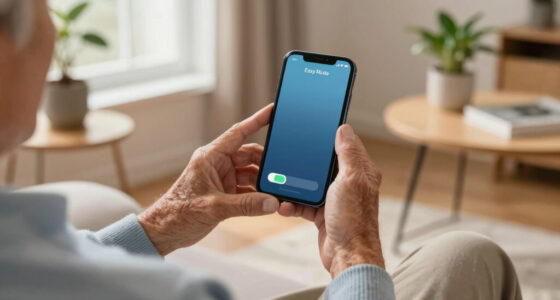
GrandPad is built specifically for seniors, especially those who aren’t comfortable with tech. Its interface features big icons, simple navigation, and minimal options. Think of it as a digital photo album with a phone attached—no extra clutter.
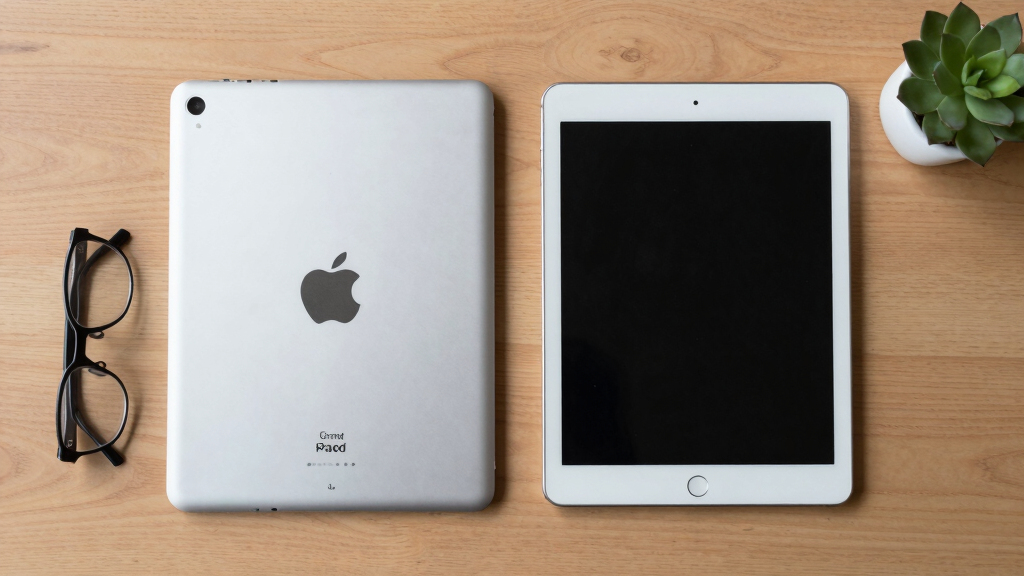
Regular tablets, like an iPad or Android device, are meant for everyone. They’re versatile, but that means more options, more settings, and more to learn. For example, setting up an iPad for a senior might involve disabling certain features or installing accessibility tools.
Imagine a grandma trying to figure out a standard tablet and getting lost in menus. That’s where purpose-built devices shine. They reduce confusion and make staying connected easier.
Popular right now

TCL QM64L 85-Inch QD-Mini LED 4K Smart Fire TV

TCL T7 Series 85-Inch 4K 144Hz QLED Smart Google TV

Ninja DualZone 6-in-1 Air Fryer, 8-Qt, Grey, DZ801
As an affiliate, we earn on qualifying purchases.
User Interface: Why Simplicity Matters More Than You Think
GrandPad’s interface is designed with big, colorful icons that are easy to tap. There’s no app store to browse, no complex menus. It’s like a single-screen experience focused on communication and entertainment.
By contrast, regular tablets offer customizable home screens, multiple app options, and complex settings. While flexible, this can be overwhelming for someone not used to technology.
Picture a senior trying to find their email app on a regular tablet—there’s a learning curve, and accidental taps can cause confusion. GrandPad’s streamlined interface minimizes that risk.
Pre-Loaded Apps and Content: Convenience vs. Flexibility
| Feature | GrandPad | Regular Tablet |
|---|---|---|
| Apps | Pre-installed: video calls, email, photos, entertainment | Requires user to download and manage apps |
| Restrictions | Limited to safe, senior-friendly options | Full access, including risky or confusing apps |
| Content management | Curated for simplicity and safety | User manages content, which may lead to clutter or confusion |
Think of GrandPad as a curated museum exhibit—everything displayed is safe and straightforward. Regular tablets are like a garage full of tools—versatile but requiring knowledge to use safely.
Choosing between these approaches involves understanding what tradeoffs matter most. GrandPad’s curated content reduces the risk of accidental downloads or security issues, which is crucial for seniors who might not recognize malicious apps. However, this convenience can limit customization, potentially frustrating users who want more control. Conversely, regular tablets offer immense flexibility but demand a higher level of tech literacy and ongoing management, which can lead to accidental security lapses or clutter. The decision hinges on balancing ease of use with the desire for control.
Connectivity and Support: What Help Looks Like
GrandPad often includes built-in cellular connectivity, like LTE, so seniors can stay connected anywhere without Wi-Fi. Plus, it offers dedicated customer support, trained to handle senior-specific questions.
Most regular tablets rely on Wi-Fi and depend on the user or caregiver to troubleshoot issues. Support varies—some brands offer chat or phone help, but it’s usually not tailored for seniors.
Imagine a senior trying to fix a Wi-Fi connection—frustration rises. With GrandPad, they call a dedicated support team familiar with their device’s quirks.
Security and Privacy: Safety First
GrandPad limits what apps and settings can be accessed, reducing the risk of accidental mishaps or security issues. Its simple interface also minimizes exposure to scams or malware.
Regular tablets offer more advanced security options like two-factor authentication, but they require some tech know-how to configure properly. Without proper setup, they can be more vulnerable.
Picture a senior accidentally clicking a suspicious link on a regular tablet—potential risks increase. GrandPad’s restrictions act like digital guardrails, keeping users safe.
Cost and Ongoing Expenses: What’s the Real Price?
GrandPad usually involves an upfront device cost plus a subscription fee covering data and support—think of it as an all-in-one package. Prices often range from $50 to $100 per month, depending on the plan.
Regular tablets are a one-time purchase, with prices from $200 to over $1,000. But you’ll often pay for data plans, app subscriptions, or accessories separately.
For example, a senior using a regular tablet might spend $400 initially plus ongoing costs for apps and internet—more flexible but potentially more expensive over time.
Can You Turn a Regular Tablet Into a Senior-Friendly Device?
- Disable unnecessary notifications and apps.
- Increase font size and enable accessibility features.
- Install simplified launcher apps designed for seniors.
- Pre-load essential apps like video calling or email.
- Set up a dedicated support plan or tutorial.
While possible, it takes time and tech know-how. Even then, it may not be as intuitive or safe as a purpose-built device like GrandPad. The tradeoff is that customizing a regular tablet requires ongoing management, and there’s always a risk of users accidentally changing settings or installing unwanted apps, which can lead to confusion or security risks. These adjustments can be effective but require familiarity with device settings and apps, which many seniors might find overwhelming. The ongoing management and potential for errors mean that, for many, investing in a purpose-built device provides a more reliable and stress-free experience.
Main Advantages: Why Choose GrandPad or a Regular Tablet?
- GrandPad: Simple interface, dedicated support, built-in cellular, enhanced security, tailored for seniors.
- Regular Tablet: Flexible, customizable, more apps and features, potentially cheaper upfront, wide compatibility.