
TL;DR
Picking a big-button phone for your parent means focusing on safety features like emergency buttons and GPS, along with ease of use and durability. Recent models now include fall detection and simplified interfaces, making communication safer and easier.
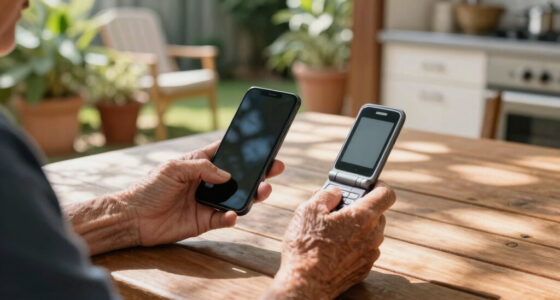
If you’ve ever handed your parent a sleek smartphone and watched their face twist in confusion, you’re not alone. Modern phones are packed with features that can overwhelm, especially for seniors. That’s where big-button phones shine: simple, straightforward, and built for safety.
In this guide, you’ll learn how to pick a device that your parent can use comfortably while feeling secure. We’ll explore what makes a phone truly senior-friendly, recent innovations, and practical tips to find the perfect match.
Prioritize large buttons, simple menus, and high-contrast screens for ease of use.
Look for safety features like emergency buttons, GPS, and fall detection—these can save lives.
Choose a durable, shock-resistant phone with a comfortable grip to withstand daily drops.
Balance essential features with budget to find the best value for your parent’s needs.
Test devices in your hand first—comfort and ease of use matter more than extra bells and whistles.
Start with what makes a phone easy for your parent to use
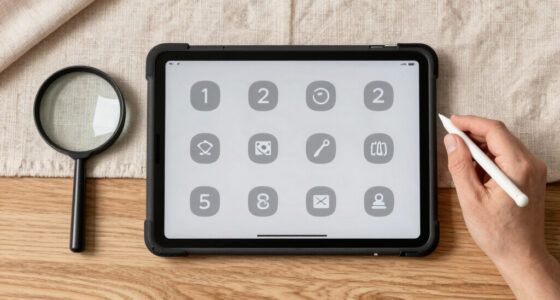
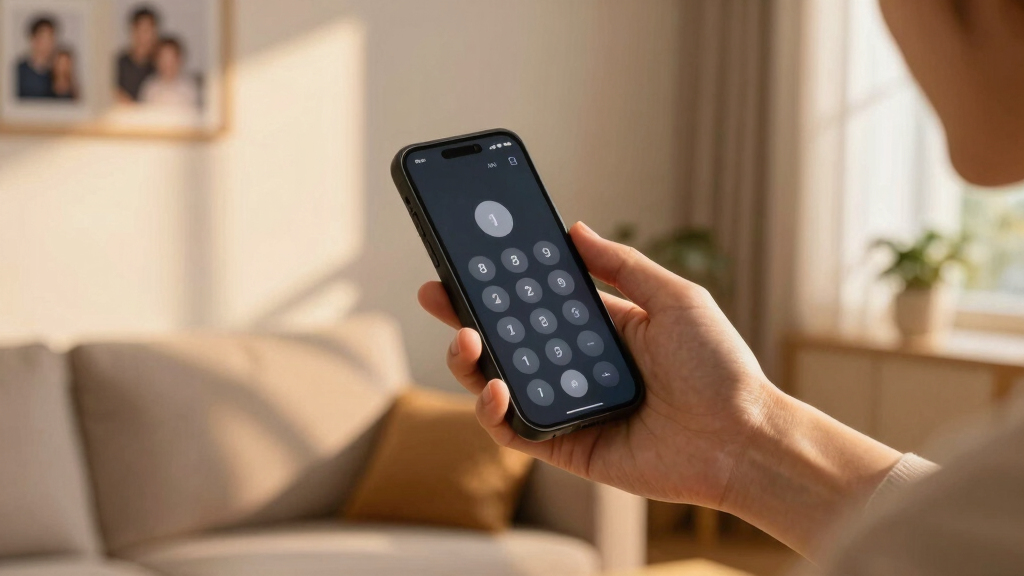
The first step is understanding what makes a phone simple and accessible. Look for large, clearly labeled buttons that your parent can find without squinting or fumbling. The screen should be big with high contrast—think deep blacks and bright whites—so reading the display feels natural and effortless.
Imagine your parent trying to dial a number on a tiny keypad, then compare that to pressing a button the size of a quarter. It’s a night-and-day difference. Devices like the Jitterbug or Doro phones focus on these basics, making everyday use stress-free.
Tip: Choose phones with minimal menus and large icons. Some models even have dedicated shortcut buttons for calls or emergencies, reducing confusion and making safety features quick to access.
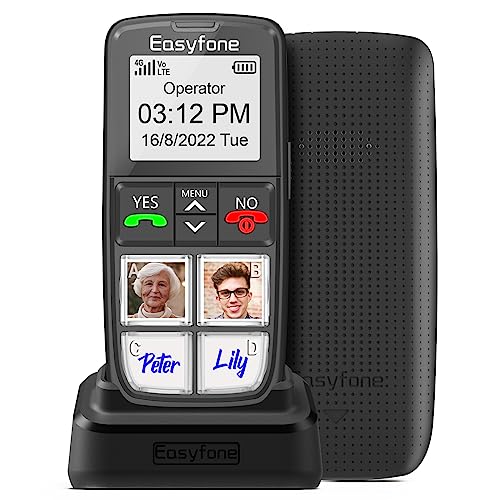
Easyfone Prime-T6 4G Picture Button Cell Phone for Seniors | Easy-to-use | Clear Sound | SOS Button | Easy Charging Dock | SIM Card Included | Suitable for Dementia, Alzheimer's and Kids
Make calls easily through 4 large picture memory buttons, no need to search in the phonebook
As an affiliate, we earn on qualifying purchases.
As an affiliate, we earn on qualifying purchases.
Pick safety features that really protect your parent
Safety is the top reason for choosing a big-button phone. Look for models with dedicated emergency or SOS buttons. These can instantly connect your parent to emergency services or a trusted contact with just one press. For example, some phones allow you to assign up to five contacts for quick dialing.
GPS tracking is another handy feature—if your parent steps outside a safe zone, you get a notification. Fall detection sensors can even alert you if they’ve had a fall, like a built-in safety net.
Understanding why these safety features matter is crucial. Emergency buttons provide immediate access to help, which can be lifesaving in critical moments. GPS tracking allows you to monitor your parent’s whereabouts, preventing anxiety about wandering or getting lost. Fall detection adds an extra layer of protection, especially for those at risk of falls, which are a leading cause of injury among seniors. The tradeoff is that these advanced features can sometimes increase the cost or complexity of the device, so consider your parent’s specific risks and needs to find the right balance.

Fajocru Fall Detection Smart Watch for Seniors with GPS Tracking, SOS Alert & HD Video Call, Waterproof Fitness Tracker for Dementia/Alzheimer’s, 4G Safety (Red)
Advanced Fall Detection for Seniors Safety:Designed specifically as a life-saving fall alert device for elderly users, this smart…
As an affiliate, we earn on qualifying purchases.
As an affiliate, we earn on qualifying purchases.
Compare popular big-button phones side by side
| Feature | Jitterbug Smart3 | Doro 7050 | Snapfon ezTWO |
|---|---|---|---|
| Button size | Extra-large, tactile buttons | Large buttons with tactile feedback | Big, rubberized buttons |
| Emergency button | Yes, on the back | Yes, dedicated | Yes, on the side |
| Screen size | 6.2 inches | 5 inches | 2.4 inches |
| Safety features | GPS, fall detection | GPS, emergency contacts | Basic SOS button |
| Battery life | Up to 2 days | Up to 2 days | 3-4 days |
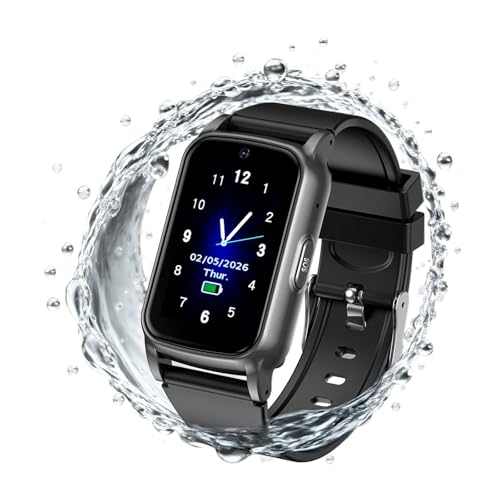
Fajocru Senior GPS Smart Watch with Fall Detection – 4G LTE Elderly Smartwatch with Real-Time Location, SOS Alerts, and IP67 Waterproof – Ideal for Dementia/Alzheimer’s Safety (Black)
Instant Fall Alert System: Built-in high-precision sensors automatically detect accidental falls and send an instant emergency alert to…
As an affiliate, we earn on qualifying purchases.
As an affiliate, we earn on qualifying purchases.
Focus on the features your parent really needs
Every parent is different, but some features stand out as must-haves. Think about long battery life—nothing’s worse than a dead phone in an emergency. Also consider loud, clear sound for hearing aid compatibility or hearing impairments.
If your parent enjoys talking on the phone, a device with voice dialing simplifies calls. For those with visual challenges, large fonts and high contrast screens make a huge difference.
Understanding why these features matter helps you tailor your choice. For instance, a long-lasting battery ensures your parent stays connected throughout the day without frequent recharging, which can be inconvenient or confusing for some seniors. Clear sound quality is vital for those with hearing difficulties, preventing missed calls or miscommunications. High-contrast screens and large fonts improve readability, reducing frustration and making the phone more usable for visual impairments. Prioritizing these features ensures the device truly meets your parent’s needs without unnecessary complexity.

LIVELY Jitterbug Flip Cell Phone for Seniors – Not Compatible with Other Wireless Carriers – Must Be Activated Phone Plan – No SIM Needed – Flip2 Red
Only Compatible with Lively Phone Service: The Jitterbug Flip2 is only compatible with Lively phone service; plans include…
As an affiliate, we earn on qualifying purchases.
As an affiliate, we earn on qualifying purchases.
Don’t forget durability and comfort during daily use
Phones that are dropped happen. Look for models with shock-resistant, rugged builds. If your parent tends to drop things or has shaky hands, a sturdy, textured grip prevents slips.
Imagine your dad accidentally knocking his phone off the table. A rugged phone like the Doro 7050 can survive such bumps without damage. Also, consider weight—lightweight phones are easier to carry around all day.
Understanding the importance of durability is key because a fragile phone can lead to frustration and additional costs if it breaks easily. Rugged or shock-resistant models are designed to withstand daily accidents, which are common, especially among seniors with less steady hands. A textured grip not only prevents slips but also adds comfort, making it easier to hold for extended periods. Balancing durability with comfort means choosing a device that can endure daily use without becoming a burden or a source of worry.
Know what extra features might help, but don’t overdo it
Extra features like a simple camera, voice messaging, or even Bluetooth can be helpful, but avoid overwhelming your parent. Focus on essentials: calling, emergency alerts, and maybe a basic camera for occasional photos.
Understanding the tradeoffs here is crucial. While extra features can enhance the phone’s usefulness, they often add complexity that may confuse or frustrate your parent. For example, a simple camera can be a great way for your parent to capture family moments, but if the camera interface is complicated, it might cause more hassle than benefits. Similarly, Bluetooth connectivity is useful but can be confusing if not well-implemented. The key is to select a device that offers beneficial features without overwhelming the user—prioritizing simplicity ensures your parent will actually use and benefit from the device.
Consider how much your parent will pay—and what’s worth it
Big-button phones range from under $50 to over $200. Cheaper models cover the basics but may lack advanced safety features. More expensive options often include GPS, fall detection, and larger screens.
Understanding the value of these features is essential. Spending a bit more initially can provide peace of mind and reduce the need for replacements or upgrades later. For example, investing in a device with fall detection and GPS might seem costly upfront but can prevent costly medical emergencies or searches. Also, check if your provider offers discounts or special programs for seniors, which can make higher-end models more affordable. The key is to weigh the safety and convenience benefits against the price, ensuring you get a device that offers good long-term value and peace of mind for your parent’s safety and your budget.
Frequently Asked Questions
What’s the most important safety feature to look for?
An emergency or SOS button is the most vital safety feature. It allows your parent to quickly call for help or alert you in an emergency, often with a single press.How do I know if a phone is truly easy for my parent to use?
Test the phone in your hand: check if buttons are large and tactile, the screen is bright and clear, and menus are straightforward. Ask your parent to try it out, if possible.Are big-button phones compatible with hearing aids?
Many are, but it’s best to verify compatibility with your parent’s specific hearing aids. Look for models labeled as hearing aid-compatible or with adjustable volume settings.How long does the battery last on these phones?
Battery life varies, but most models last between 2 to 4 days on a single charge. Longer battery life reduces charging frequency and worry.Can I add extra safety features later?
Some phones support additional features like GPS or fall detection through apps or accessories, but it’s best to choose a device with these built-in for seamless safety.Conclusion
Picking a big-button phone for your parent isn’t about chasing the latest tech. It’s about finding a device that’s simple, safe, and durable enough to support their independence. Focus on safety features, ease of use, and comfort—these make all the difference.
Imagine your parent confidently answering calls or quickly summoning help with a single press. That’s the power of a well-chosen big-button phone. It’s not just a device; it’s peace of mind for you—and freedom for them.