
TL;DR

Turn quiet afternoons into listening time
- Thousands of audiobooks, podcasts and originals
- Listen on your phone, tablet or Echo — also offline
- Cancel anytime
When choosing a senior-friendly tablet, prioritize a simple interface, large display, good audio, and strong support options. Recent models now include voice control and dedicated senior modes, making tech easier and safer for older adults.
Prioritize tablets with large, adjustable screens and high contrast settings for easier reading.
Look for devices with built-in accessibility features like voice control and magnification.
Choose models with long battery life and sturdy, lightweight design for everyday convenience.
Support options and tutorials are vital — don’t skip checking what help is available.
Recent innovations like dedicated senior modes and voice assistants make tech more accessible than ever.
How to Spot a Tablet That’s Easy for a Senior to Use
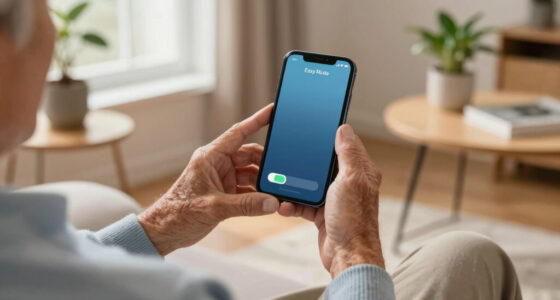
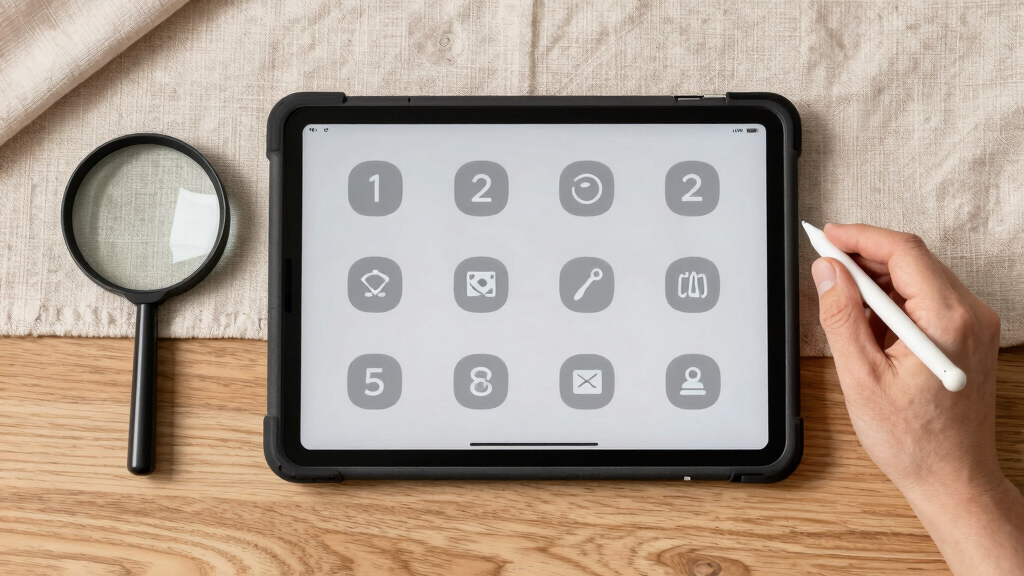
Ease of use is king when it comes to senior tablets. Look for large, clear icons and simple menus that minimize confusion. Devices with dedicated ‘senior modes’ or custom home screens make daily navigation smoother.
For example, the Amazon Fire tablets offer a ‘simplified mode’ that enlarges icons and streamlines menus. This reduces frustration and encourages independent use.
Choosing a device with minimal pre-installed apps and intuitive controls helps avoid overwhelming someone new to tech. Think of it like a familiar, clutter-free workspace that invites exploration.
Popular right now

TCL QM64L 85-Inch QD-Mini LED 4K Smart Fire TV

Ninja DualZone 6-in-1 Air Fryer, 8-Qt, Grey, DZ801

Ninja CREAMi 7-in-1 Ice Cream Maker, NC299AMZ
As an affiliate, we earn on qualifying purchases.
Why a Larger, High-Quality Screen Matters
A bigger screen isn’t just for fun; it’s about making life easier. An 8- to 12-inch display helps with reading, video calls, and photo viewing. High-resolution screens cut down eye strain, especially for users with less sharp vision.
Imagine reading a message or seeing grandkids’ faces in crisp detail without squinting. Devices like the Samsung Galaxy Tab A or the Amazon Fire HD 10 excel here, with adjustable text sizes and contrast settings.
For seniors, a vivid, easy-to-see screen is like having a clear window to the world that doesn’t require constant squinting or adjusting.
Audio and Visual Features That Make a Difference
Clear, loud audio can turn a frustrating call into a pleasant chat. Look for tablets with volume boost and compatibility with hearing aids. Adjustable volume controls and visual alerts for notifications add extra safety.
Picture this: a tablet that rings loudly and brightly flashes for incoming calls, so no one misses an urgent message. The latest senior models often include these features built-in.
These little touches help seniors stay connected without constantly fiddling with settings or feeling left out of conversations.
Battery Life and Charging Tips for Busy Seniors
Imagine a tablet that lasts all day—no constant charging needed. Look for devices offering at least 8 hours of battery life. Charging should be straightforward, with simple ports or wireless options.
For example, the Amazon Fire tablets often last over 12 hours, making them perfect for a day out or a long video call. Keep a charger close by, or choose a model with a stand-alone charging dock for convenience.
Good battery life means fewer worries about running out of juice during important moments, like a virtual family gathering or a doctor’s appointment.
Connectivity and Compatibility: Staying Connected Made Simple
Wi-Fi is a must, but cellular options are a game-changer for on-the-go use. Check if the tablet supports LTE or 5G, so you can stay online anywhere.
Think of a tablet that works seamlessly with popular apps like Zoom, Facebook, or health trackers. Compatibility with these tools makes staying connected and managing health easier.
Many senior tablets come with pre-installed apps or simplified app stores, making it easier to find and use the right tools without getting lost in a sea of options.
The Power of Accessibility Features: Making Tech Truly Inclusive
Accessibility isn’t just a bonus; it’s a necessity. Features like voice commands, screen magnifiers, and adjustable text sizes turn a complicated device into a friendly helper.
Take a senior who struggles with small text. With adjustable font sizes and voice control, they can navigate without frustration. Devices like the iPad and certain Android tablets now include these features standard.
These features are crucial because they address specific challenges that many seniors face, such as poor vision or limited dexterity. By integrating these tools, manufacturers make sure that technology becomes truly inclusive, reducing frustration and increasing independence for all users.
Durability and Design: Keeping the Tablet Safe and Comfortable
Accidents happen, especially with busy hands. Look for sturdy, lightweight tablets with protective cases. Water and dust resistance are nice bonuses, especially for outdoor use.
Imagine a tablet with a rugged case that’s easy to grip, so it won’t slip when your hands are wet or shaky. Brands like Samsung and Amazon offer models with reinforced edges and shockproof covers.
Comfortable, durable design keeps the device working longer and reduces the worry of damage from drops or spills. This is especially important for seniors who may have tremors or less precise grip, as it minimizes the risk of costly repairs and ensures the device remains functional over time.
Support and Training: Help When You Need It Most
Even the simplest devices can be confusing at first. Look for brands that offer tutorials, customer support, or in-home setup. A little guidance can turn frustration into confidence.
Picture a senior who learns to video call family confidently after a quick tutorial, thanks to friendly support staff or easy-to-follow manuals. Many companies now provide online videos or local training sessions.
Providing accessible training and support is vital because it bridges the gap between unfamiliarity and independence. When seniors feel supported, they’re more likely to embrace technology and use it effectively, which enhances their quality of life and reduces feelings of frustration or alienation.
What’s New in Senior Tablets? The Latest Tech for Better Living
Recent innovations focus on making tablets more accessible and user-friendly. Voice control and simplified operating systems are now standard in many models.
For example, the GrandPad offers a dedicated senior experience with simplified interface and direct support. Voice assistants like Alexa or Google Assistant are integrated into many devices, allowing hands-free control.
Health apps and medication reminders are also being built into these tablets, helping seniors manage their well-being more easily.
These advancements mean that technology is becoming more intuitive and supportive, reducing barriers for seniors and encouraging more independent living. However, it’s important to weigh these features against potential trade-offs, such as increased cost or complexity in updates, which could be overwhelming for some users. Choosing a device that balances simplicity with smart features can maximize benefits without adding frustration.
Key Facts You Should Know Before Buying
| Feature | Why It’s Important |
|---|---|
| Large, adjustable display | Reduces eye strain and improves readability, which is crucial for long-term comfort and independence in daily tasks. |
| Built-in accessibility options | Makes navigation easier for those with vision or dexterity issues, promoting independence and reducing frustration. |
| Long battery life | Supports all-day use, preventing interruptions during important activities like calls or reading. |
| Durability | Resists drops and spills, extending device lifespan and reducing repair costs, especially important for users with unsteady hands. |
| Support options | Ensures help is readily available, which can be a safety net for those unfamiliar with technology or facing issues. |
Common Questions About Senior-Friendly Tablets
- What is the easiest tablet for a senior with limited tech experience? Tablets like the GrandPad or Amazon Fire with simplified modes are designed for ease of use, with big icons and minimal clutter. These features help reduce cognitive load and make initial setup less intimidating.
- Are affordable options still good? Yes, models like the Amazon Fire HD 8 or Samsung Galaxy Tab A offer great features at lower prices, often under $150. They balance cost with essential usability, making technology accessible without sacrificing core functionalities.
- How do I make sure it’s accessible for specific needs? Check for customizable text size, voice control, hearing aid compatibility, and screen magnification options. These features directly address individual challenges, ensuring the device adapts to the user’s unique requirements.
- Do senior tablets come with support? Many brands provide tutorials, customer support, or setup assistance to help beginners feel confident. This support reduces frustration and helps seniors gain independence with new devices.
- Is security a concern? Regular updates and built-in security features protect users, but it’s also wise to teach safe browsing habits. Educating users about cybersecurity can prevent common threats and enhance overall safety.