
TL;DR

Turn quiet afternoons into listening time
- Thousands of audiobooks, podcasts and originals
- Listen on your phone, tablet or Echo — also offline
- Cancel anytime
A smart speaker is a voice-activated device that answers questions, controls smart home gadgets, and keeps users connected. For seniors, it offers a hands-free way to stay independent and safe, but it’s not a medical alert system and relies on Wi-Fi.
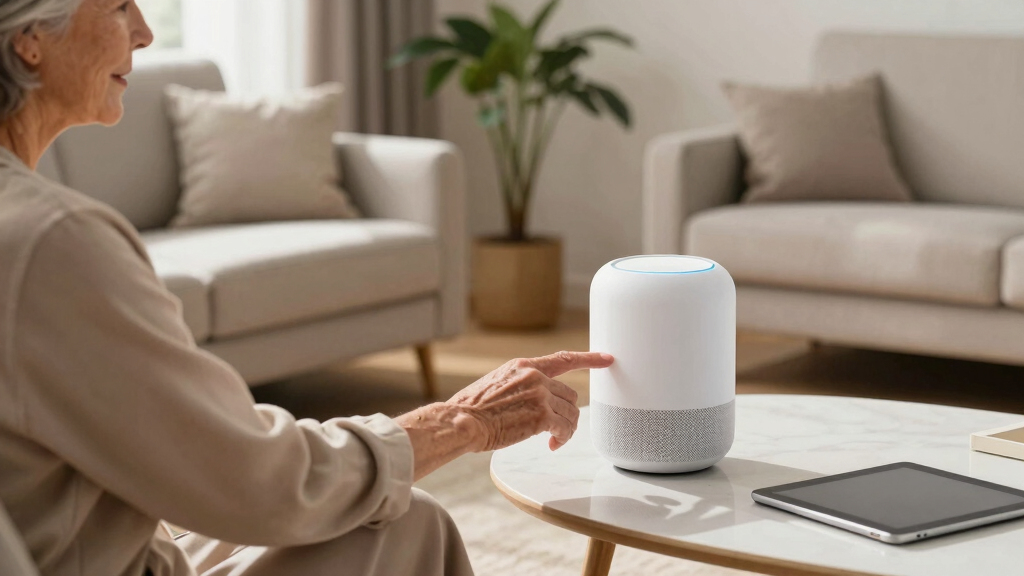
Imagine having a helpful friend sitting quietly in your living room, ready to answer questions, play your favorite music, or remind you about medication — all with just your voice. That’s what a smart speaker offers. For seniors, these devices can transform daily life, making independence easier and communication simpler.
But are they truly useful? Do they fit into an older adult’s routine? This guide breaks down what smart speakers do, how they can help seniors, and what limitations to keep in mind. Whether you’re caring for an aging parent or exploring tech for yourself, understanding these devices can open new doors to staying connected and safe.
Smart speakers offer a hands-free way for seniors to stay connected, safe, and independent at home.
They’re especially useful for routine reminders, controlling smart devices, and reducing feelings of loneliness.
Limitations include Wi-Fi dependency, inability to dial emergency services directly, and potential privacy concerns.
Choosing the right device depends on needs: simple voice answers, visual aids, or video calling.
Start with basic commands and involve family or caregivers for setup and ongoing support.
What Exactly Is a Smart Speaker and How Does It Work?
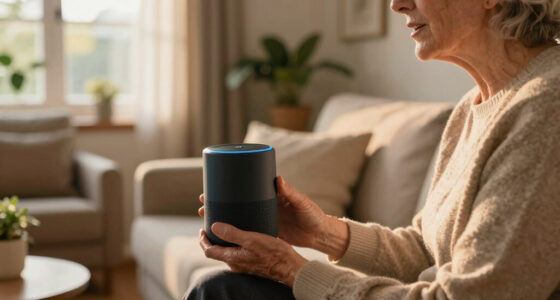
A smart speaker is a Wi-Fi-connected device with a built-in voice assistant that responds to spoken commands. It doesn’t need a screen, keyboard, or buttons — just your voice. Think of it as a helpful, hands-free helper in your home.
Popular options include Amazon Echo (with Alexa), Google Nest (with Google Assistant), and Apple HomePod (with Siri). They can answer questions, play music, set reminders, and even control smart home gadgets like lights and thermostats.
Understanding how it works is key: these devices constantly listen for their wake word (like “Alexa” or “Hey Google”), then process your voice commands through cloud-based AI. This means your voice data is sent over the internet to servers that interpret your request and send back a response. The core components—microphones, speakers, and the internet connection—work together to provide quick, hands-free assistance, which can be especially beneficial for those with mobility or vision challenges.
While setup involves connecting the device to Wi-Fi via a smartphone app, the real value lies in its ability to understand natural language and respond contextually. This makes interactions feel more intuitive, reducing frustration and encouraging regular use—crucial factors for older adults adapting to new technology.
Popular right now

TCL QM64L 85-Inch QD-Mini LED 4K Smart Fire TV

TCL T7 Series 85-Inch 4K 144Hz QLED Smart Google TV

Samsung 85-Inch QN70H Neo QLED 4K Smart TV (2026)
As an affiliate, we earn on qualifying purchases.
Why Smart Speakers Are a Game-Changer for Seniors
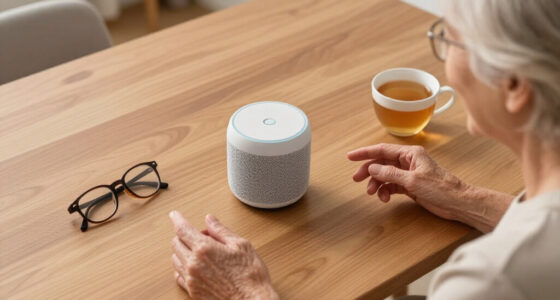
Smart speakers are designed with accessibility and ease of use that directly address common barriers faced by seniors. For example, physical limitations like arthritis or tremors make pressing small buttons or navigating touchscreens difficult, and vision impairments hinder reading small displays. Voice control eliminates these hurdles, allowing seniors to perform a range of tasks simply by speaking.
Beyond accessibility, these devices foster independence by providing instant access to information and services. Imagine a senior waking up and asking about the weather, then planning their day based on the response, or using voice commands to turn on lights without fumbling for switches—these simple acts can significantly boost confidence and autonomy.
Furthermore, routine reminders—such as medication alerts—are seamlessly integrated, helping seniors manage their health without relying solely on memory. The ability to initiate calls or use ‘Drop In’ features fosters social connectivity, reducing feelings of loneliness and isolation. This is especially important given evidence that social engagement directly correlates with better mental health in older adults.
However, the true benefit hinges on consistent, comfortable use. If a device is too complex or unreliable, it can lead to frustration or abandonment. Therefore, understanding these devices’ capabilities and limitations helps caregivers and seniors set realistic expectations, ensuring the technology serves as a helpful tool rather than a source of stress.
Limitations to Know Before You Buy
While smart speakers offer many advantages, understanding their limitations is crucial to avoid disappointment or safety gaps. One major concern is their inability to dial emergency services like 911 directly. This means that in a true emergency—such as a fall or medical crisis—the device cannot replace dedicated medical alert systems. Relying solely on a smart speaker for emergencies could lead to dangerous delays if not supplemented with a proper alert device.
Another significant limitation is dependency on a stable Wi-Fi connection. Without internet, the device’s core functions—answering questions, playing music, or controlling smart home devices—become unavailable. This reliance can be problematic in areas with unreliable internet or during outages, potentially leaving seniors without assistance when they need it most.
Setup and ongoing use can also pose challenges. For seniors unfamiliar with smartphones or tech devices, initial configuration might be confusing, requiring assistance from family or caregivers. This dependency can hinder independence if not addressed with proper guidance.
Privacy is an ongoing concern: these devices are always listening in the background, and although they activate only upon hearing their wake word, the possibility of accidental recordings or data collection exists. Mute or disable the microphone when privacy is a priority to mitigate this risk. Additionally, understanding how data is stored and shared is vital for informed use.
Lastly, voice recognition technology isn’t perfect. Accents, speech patterns, background noise, or even poor microphone quality can cause misinterpretations. This might lead to frustration or unintended actions, emphasizing the need for patience and, sometimes, manual confirmation of commands. Weighing these tradeoffs helps ensure that the device truly enhances safety and convenience without introducing new challenges.
How to Choose the Right Smart Speaker for Your Needs
- Assess the main features you want: Do you want just voice commands, or do you need a screen for video calls and visual prompts? Consider how each feature aligns with the user’s daily routines and abilities—visual aids can help with memory or reading, but may also add complexity.
- Consider the user’s comfort with tech: Choose a device that matches their familiarity level. For someone new to smart tech, starting with a simple model like the Echo Dot reduces overwhelm. For those comfortable with tech or who need visual cues, devices with screens like the Nest Hub can provide added support, but may require more initial training.
- Check compatibility: Ensure the device works with existing smart home products or platforms. Compatibility makes automation more seamless and encourages consistent use, which is vital for establishing routines and safety measures.
- Set a budget: Prices vary widely, but investing in a device that meets needs without overspending is key. Consider long-term value—sometimes a more capable device can reduce frustration and increase benefits over time.
- Privacy features: Look for devices with mic-mute controls, data encryption, and clear privacy policies. These features help protect sensitive information and give users control over their data, which is especially important for vulnerable populations.
For example, a caregiver might choose a Nest Hub with a screen for a senior who needs visual reminders and prefers video calls, while a more tech-averse user might benefit from a straightforward Echo Dot that provides voice answers and music without additional complexity. Matching the device to the user’s comfort and needs maximizes usability and safety.
Comparison: Which Smart Speaker Fits Your Lifestyle?
| Feature | Echo Dot | Echo Show | Nest Hub | HomePod Mini |
|---|---|---|---|---|
| Screen | No | Yes, 8-15 inches | Yes, 7 inches | No |
| Price | Starting at $50 | Starting at $130 | Starting at $100 | Starting at $99 |
| Voice Assistant | Alexa | Alexa | Google Assistant | Siri |
| Best For | Simple answers & music | Video calls & visual cues | Visual reminders & Google services | Apple ecosystem users |
Choosing between these options requires considering what features will most improve daily life. For seniors, a device with a screen like the Echo Show or Nest Hub can facilitate easier video chats and visual reminders, which are especially helpful for those with memory or hearing challenges. Conversely, if the goal is straightforward voice commands and music, simpler models like the Echo Dot or HomePod Mini might suffice. Understanding these tradeoffs helps ensure the device aligns with both the user’s needs and their comfort with technology, promoting sustained, effective use.
Practical Tips for Making Smart Speakers Work for You
- Start simple: Use basic commands like, “Play music,” “What’s the weather,” or “Remind me to take my pills.” Building confidence with these straightforward commands can lead to more complex interactions over time, increasing independence.
- Involve family: Having a tech-savvy relative help with setup and training ensures correct configuration and boosts confidence. Ongoing support can prevent frustration and promote consistent use, which is critical for realizing the device’s benefits.
- Keep privacy in mind: Mute the microphone when privacy is needed, and review privacy settings periodically. Understanding how data is collected and used helps users make informed choices and maintain control over their information.
- Use routines: Automate daily tasks like lighting or reminders by setting routines. This reduces cognitive load, helps establish habits, and ensures important activities aren’t overlooked, which can be vital for managing health and safety.
- Practice patience: Voice recognition may take time to perfect, especially with diverse speech patterns. Consistent use and clear speech improve accuracy, making interactions smoother and more reliable, ultimately encouraging ongoing engagement.
Imagine asking your device to start your favorite playlist and hearing the rich sound fill the room. Or saying, “Alexa, goodnight,” and having the lights dim automatically. These small but meaningful interactions can significantly enhance daily routines, safety, and enjoyment.
Frequently Asked Questions
Do I need a smartphone to set up or use a smart speaker?
Most smart speakers require a smartphone during setup to connect to Wi-Fi and configure settings. After that, you can usually use voice commands without the phone.Does it require Wi-Fi / internet? What happens if the internet goes out?
Yes, a Wi-Fi connection is essential for most smart speaker functions. If the internet drops, basic features like playing music or answering questions won’t work, but you can still control some connected devices if they operate locally.Is there a monthly fee?
Typically, no. Basic use of smart speakers involves no monthly charge. Some advanced features or caregiving services like Alexa Together may have a subscription fee.Can it call 911 in an emergency?
Generally, no. Smart speakers are not designed to dial emergency services directly. They can help contact family or caregivers, but a dedicated medical alert system is recommended for emergencies.Is it difficult to learn?
Not at all. The main thing is to speak clearly and use simple commands. Most users find they get the hang of it quickly, especially with a little initial help.Conclusion
Smart speakers can be more than just gadgets — they become helpful companions, making everyday tasks easier and connections stronger. But they’re not a replacement for medical alerts or human contact. The key is understanding what they can do, and how to set realistic expectations.
Think of a smart speaker as a friendly, listening neighbor — ready to help, but not a magic fix. For many seniors, it’s a gentle step toward more independence and less isolation. Why not give it a try?