TL;DR

Turn quiet afternoons into listening time
- Thousands of audiobooks, podcasts and originals
- Listen on your phone, tablet or Echo — also offline
- Cancel anytime
Easy-to-use medical alert systems let someone call for help with a wearable button, either through a home base unit or a mobile device. Choose by where the wearer needs coverage, how they will charge and wear it, who answers alerts, and the full cost; treat fall detection as a backup, not a guarantee.
A help button is only helpful if you can reach it when you need it. That simple fact can matter more than a screen full of extra features.
Easy-to-use medical alert systems let someone call for help after a fall, sudden illness, or another emergency. Most start with a wearable button that connects to a response center or selected contacts. Some work only at home; others use cellular service and GPS so you can carry them on a walk or to the grocery store.
This guide explains how the main options work, what to check before you buy, and how to test a system with the person who will wear it. You’ll also find key points for weighing fall detection, privacy, charging, and cost. The goal isn’t to find a device that promises everything. It’s to pick one your family member can use without a lesson every time.
Choose home or mobile coverage based on where the wearer spends time, and verify service in those locations.
Ask exactly who receives an alert, whether two-way voice is available, and what happens if the wearer cannot answer.
Treat automatic fall detection as a backup because it can miss a fall or trigger an unnecessary alert.
Test fit, button access, water guidance, and charging habits with the person who will wear the device.
Compare equipment, monitoring, add-ons, replacement fees, privacy terms, and cancellation rules—not only the monthly price.
Choose a system that matches where help may be needed
Easy-to-use medical alert systems fall into two broad groups: home systems that connect to a base unit and mobile systems designed to travel with the wearer. Start by matching the system’s coverage to the person’s everyday routes. A button that works in the kitchen but not on the front walk leaves a real gap.
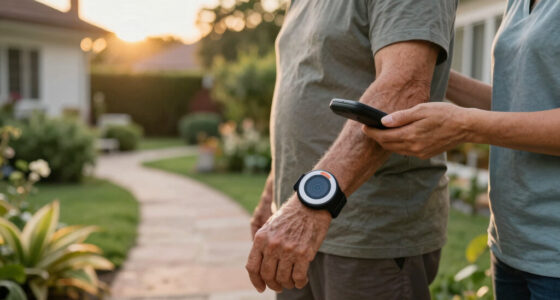
A home unit may connect through a landline or cellular service. When the wearer presses the pendant, the base unit connects them to a monitoring center or another chosen contact. Mobile devices can use cellular service and GPS to support calls away from home, but coverage depends on the device and the places the person goes. GPS can help locate someone; it does not create a cellular signal where none exists.
For example, if your father spends most days in his apartment and rarely goes out alone, a home unit may be simple to keep charged and close by. If he walks the dog around several blocks, a mobile model may make more sense. Ask the provider to check service in his home and usual neighborhood before you commit.
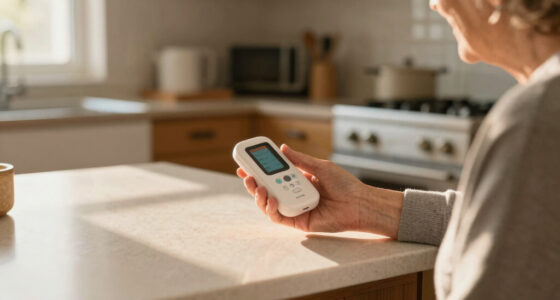
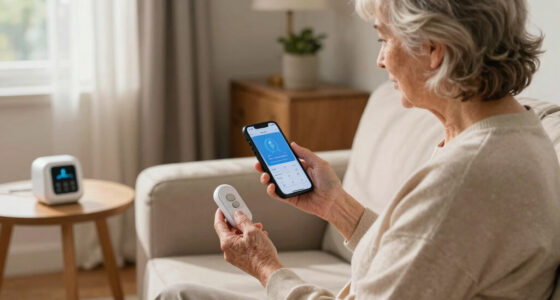
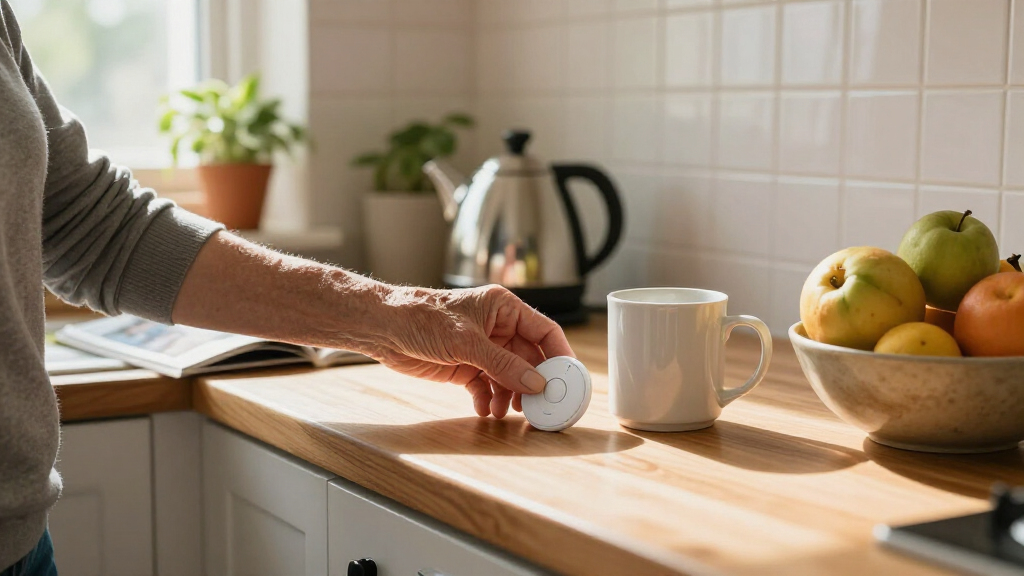
These products have expanded beyond the familiar countertop base station. Some now pair a wearable with a caregiver app or notifications, which can be useful but may add setup and battery demands. Check current specifications rather than assuming that every model includes the same features. [1]
As an affiliate, we earn on qualifying purchases.Popular right now

TCL T7 Series 85-Inch 4K 144Hz QLED Smart Google TV

Ninja DualZone 6-in-1 Air Fryer, 8-Qt, Grey, DZ801

Ninja CREAMi 7-in-1 Ice Cream Maker, NC299AMZ
Check the button, voice connection, and response plan
Easy-to-use medical alert systems should make three things clear: how to call, whether the alert connected, and who responds next. A large button and an audible or spoken confirmation can make a stressful moment less confusing. The response plan matters just as much: some services connect to a professional monitoring center, while others notify family or friends.
Before choosing, ask whether the wearer can speak with an operator through the pendant or base unit. Find out what happens if nobody answers, whether the service tries designated contacts first, and when it calls emergency services. Procedures vary, so don’t assume the system will follow the plan your family expects. Write down the answer in plain language.
Imagine your aunt falls in the hallway and presses her pendant, but she feels too shaken to explain what happened. A two-way voice connection could let an operator ask a simple question and follow the service’s procedure if she cannot answer. If calls instead go to family, agree on who is primary and who is backup—especially if the first person may be at work or driving.
Set up contact details carefully, then test the alert as the provider instructs. A practice call can show whether the speaker is loud enough from the bedroom and whether the wearer understands what to say. The aim is a response routine that feels as familiar as calling a neighbor, not a mystery to solve during an emergency.
Treat fall detection as backup, not a promise
Fall detection can try to call for help when the wearer falls and cannot press the button, but it is not perfectly reliable. A device may miss a fall or send an alert when no emergency happened. Use the feature as a backup to a button the wearer can reach—not as a replacement for pressing it when possible.
Automatic detection can be reassuring for someone who lives alone, but the details differ by device and by what is happening when a fall occurs. Ask whether the system gives the wearer time to cancel an alert, how the monitoring service handles a detected fall, and whether the feature adds a fee. Check the current product information; detection performance can vary, and no device catches every fall.
Picture a person slipping in the garden while carrying groceries. If they can press the pendant, the manual alert gives them a direct route to help. If they’re unable to do so, fall detection may offer another route—but it cannot guarantee that the event will be recognized or that the call will connect. A clear response plan still matters.
Test the device in ordinary routines, not by staging a fall. Learn how to place it, how alerts sound, and how to cancel a mistaken signal. For health or safety decisions, talk with a qualified professional who understands the person’s circumstances. A medical alert can help summon assistance; it does not prevent every emergency or replace professional care.
Make wearing and charging part of an easy routine
The best medical alert system is the one the wearer will actually wear and keep charged. Comfort, weight, fit, water resistance, and battery habits can decide whether a device is available when needed. A pendant left on the dresser because it feels bulky doesn’t provide much reassurance.
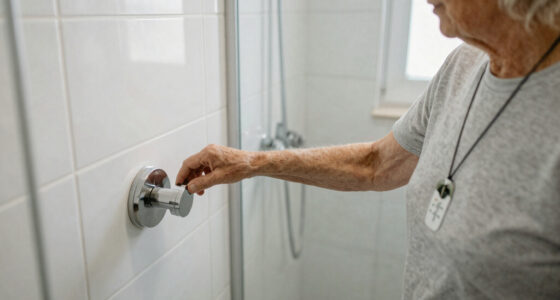
Try the device with the person’s everyday clothes and routine. Can they press the button with stiff fingers? Does the clasp feel secure? Can they wear it overnight? If shower safety matters, check the exact water-resistance rating and care instructions; not every wearable is suitable for water. A short test around the home can reveal rubbing, awkward straps, or a button that’s hard to find by touch.
Charging also needs a realistic plan. One family might place the mobile device in its dock beside the kettle each evening, while another person may forget to charge it if the dock sits in a bedroom. Ask how long the battery lasts for that model, how low-battery warnings appear, and what to do if the device won’t charge. Battery life changes with connection type, settings, and use, so rely on the maker’s current guidance.
Keep the routine simple: choose one visible charging spot, agree on a time, and check the device as part of an existing habit. A caregiver might check the indicator during a regular evening phone call. Small, repeatable habits often beat a complicated reminder system that nobody keeps up.
Compare the full cost, coverage, and privacy before you sign
Compare the total ongoing cost, not just the advertised monthly price. A plan may include equipment, activation, monitoring, optional fall detection, replacement fees, or a contract. Prices and terms vary by provider and can change, so request a written breakdown and read the cancellation and trial rules before paying.
For a fair comparison, ask each provider the same questions. Does the home system need a landline? Does the mobile model have cellular coverage where the wearer lives and travels? What happens during an outage? Who can see GPS location or caregiver-app updates? These questions reveal trade-offs that a feature checklist can hide.
For instance, a family may compare a lower-cost home plan with a portable system that includes GPS and caregiver notifications. The portable plan could suit someone who travels alone, but it may require more frequent charging and share location data. The home plan may feel simpler, yet it may not help on a walk unless the person carries a compatible device.
Privacy deserves a plain-language answer. Ask what location or usage data the service collects, who can access it, and how the wearer or family can change sharing settings. If an app is part of the setup, see who must use it and whether the wearer can still call for help without a smartphone. Simpler arrangements can be easier to maintain, but they should still fit the person’s needs.
Use a five-step test to find the easiest fit
The easiest way to choose is to test the system against the wearer’s real day: where they go, what they can operate, and how they’ll keep it ready. A device can sound simple in a brochure and feel awkward on a wrist or confusing beside a base station. Include the person who will use it in every step.
- Map the usual day. List rooms, outdoor routes, errands, and times spent alone. A person who gardens out back may need different coverage from someone who stays near the base unit.
- Try the controls. Check button size, fit, voice volume, and alert confirmation. Ask the wearer to explain what they would do in their own words.
- Confirm the connection. Check landline or cellular needs, coverage, and what happens if a signal drops. Test in the places the person actually uses the device.
- Review the response plan and costs. Name contacts, ask what happens if nobody answers, and total fees, add-ons, and cancellation terms.
- Practice the routine. Follow the provider’s test instructions, choose a charging spot, and review water and battery guidance.
Take a real example: your mother lives alone, showers in the morning, and walks to a nearby café twice a week. You might test a water-resistant wearable at home and check whether a mobile option has service along her route. If charging feels like a chore, a simpler device or a family reminder may fit better than extra app features.
Keep the choice collaborative. Ask what feels comfortable and what feels intrusive, including GPS sharing and who receives notifications. The right system is not necessarily the one with the most technology. It is the one your family member understands, accepts, and can use in the moments that count.
Frequently Asked Questions
How does a medical alert system work?
The wearer presses a button, which connects to a response center or selected contacts. The responder follows the service’s procedure to assess the situation and arrange help. Ask how unanswered calls are handled before you choose a plan.
Do I need a landline for a medical alert system?
Not always. Some home units use cellular service, and mobile systems are designed to work away from home. Check the specific model’s connection requirements and confirm coverage where the wearer lives and travels.
Can a medical alert device detect a fall automatically?
Some wearables offer automatic fall detection, but it can miss a fall or trigger an unnecessary alert. Treat it as a backup to pressing the button, and ask the provider how detected alerts are handled.
Can someone wear a medical alert button in the shower?
Some devices are water-resistant, while others are not. Check the exact device rating and the maker’s care instructions before wearing it in water. Don’t assume every pendant or wrist device can go in the shower.
What should I check before buying an easy-to-use medical alert system?
Check where it works, how the wearer calls for help, who responds, battery and charging needs, comfort, water guidance, and the full cost. Test the button and voice connection with the wearer, and review location-data privacy if the system uses GPS or an app.
Conclusion
Choose the system your family member can reach, understand, wear, and keep charged. Then test the connection and make sure everyone knows who responds when an alert goes out.
A medical alert is a bridge to help, not a guarantee that nothing will go wrong. Make that bridge simple enough to cross when every second feels loud.