
TL;DR

Turn quiet afternoons into listening time
- Thousands of audiobooks, podcasts and originals
- Listen on your phone, tablet or Echo — also offline
- Cancel anytime
Adding a spouse to a medical alert plan is straightforward, with options for shared or individual devices, flexible plans, and modern features like GPS. It enhances safety and peace of mind, especially with evolving technology and tailored services.
Imagine this: you’re sitting in your cozy living room, the aroma of coffee lingering in the air. Your spouse is nearby, both of you thinking about safety in case of unexpected falls or health emergencies. Adding your spouse to a medical alert plan isn’t just about technology — it’s about peace of mind, knowing help can come fast when it’s needed most.
In this guide, you’ll learn how to include your partner in your safety plan, what options are available, and how to pick a system that fits your life. Whether you’re sharing a home or managing different health needs, understanding these steps can make a real difference in emergencies.
Adding a spouse to a medical alert plan is usually straightforward, often involving a quick application and device setup.
Couples can choose between shared and separate devices, based on health needs, privacy preferences, and budget.
Modern systems now feature GPS, smart home integration, and cellular connectivity, making safety more versatile.
Costs vary from $20 to $50 per month, with discounts often available for two-user plans.
Always review privacy policies and response times to ensure the system fits your household’s safety expectations.
Adding a Spouse to a Medical Alert Plan
One household, two people, and a shared goal: fast access to help. Compare devices, costs, connectivity, privacy, and response arrangements before turning an individual plan into a dependable safety network for both partners.
“The right plan protects two people without treating their needs as identical.”
Emergency connections are generally completed within a few minutes, depending on system and provider.
Many subscriptions use a term agreement, so cancellation and renewal details matter.
Use a shared home system or give each spouse an individual wearable or mobile device.
Location services and cellular connectivity extend protection beyond the home.
Add your spouse in three steps
Most providers make enrollment straightforward. The important work is not the form itself—it is matching each person with the right device and confirming that both alerts reach the monitoring center correctly.
Check the plan
Ask whether your current provider supports added users, couple bundles, separate user profiles, and dual activation. Confirm any contract or upgrade implications.
Choose devices
Match pendants, wristbands, home consoles, or mobile GPS units to each spouse’s health needs, mobility, routines, and privacy preferences.
Set up and test
Activate both user profiles, verify two-way communication, test every button, and rehearse a mock emergency so each partner knows what happens next.
Shared or separate devices?
The best arrangement depends on whether your household prioritizes streamlined coordination or individual autonomy. Different health risks often justify different equipment—even when both users share one subscription.
Shared system
A common home base or linked household plan can simplify billing, monitoring instructions, and daily management for couples with similar routines.
Similar needs, shared routines, simpler management
Limited reach, reduced autonomy, device accessibility
Separate devices
Individual wearables or mobile units give each spouse independent access to help and can support different medical profiles, mobility levels, and schedules.
Different risks, active lifestyles, personal privacy
Added fees, charging routines, more equipment
| Decision factor | Shared home system | Separate / linked devices | What to verify |
|---|---|---|---|
| Independent activation | ~ Depends on device access | ✓ Each spouse can trigger help | Both user identities appear at monitoring center |
| Different health needs | ~ Limited customization | ✓ Tailored equipment possible | Medical notes and response instructions per user |
| Outside-the-home coverage | ✗ Usually home-range only | ✓ Mobile GPS options | Coverage area, battery life, and cellular signal |
| Simple management | ✓ Fewer devices | ~ More charging and testing | One bill, equipment list, and support process |
| Privacy and autonomy | ~ More shared information | ✓ Greater individual control | Location settings and data-sharing permissions |
| Likely cost | ✓ Often lower | ~ Added-user or equipment fee | Bundle discount versus full second subscription |
Features that change the safety equation
Technology should solve a real household risk. Focus on where each spouse spends time, how reliably they can reach a button, and whether the system remains connected during a power or internet interruption.
GPS tracking
Helps monitoring teams locate a user outside the home, especially during walks, travel, or unfamiliar journeys.
Tradeoff: location privacySmart home links
Compatible lights, locks, and voice assistants can reduce hazards and make everyday assistance easier to access.
Tradeoff: setup complexityDual activation
Allows either spouse to call for help independently—critical when partners are in different rooms or one cannot reach the other.
Tradeoff: device costCellular + Wi-Fi
Multiple connection paths can improve resilience, but real-world performance still depends on local coverage and infrastructure.
Tradeoff: coverage variesBudget for the safety net—not just the button
Low monthly pricing can be attractive, but the true comparison includes added-user charges, equipment, activation, GPS service, fall detection, contract duration, and cancellation terms.
Typical monthly range before possible added-user fees or premium features. Couple bundles may reduce the combined cost.
Added-user fee
Equipment charge
GPS or fall detection
Contract and cancellation
Couple-plan discount
Two-user plan FAQ
Before enrolling, ask the provider to explain exactly how two profiles, simultaneous alerts, emergency contacts, location data, and equipment support work in your household.
Can I add my spouse to an existing plan?
Usually, yes. Most providers support an upgrade, additional subscription, or couple plan. Confirm whether new equipment or a new contract is required.
What if our health or mobility needs differ?
Look for customizable user profiles and device combinations. One spouse might need a home pendant while the other benefits from a mobile GPS unit.
Are couple discounts available?
Many providers offer family or two-user pricing. Compare the complete bundled cost with the price of two independent subscriptions.
What if both spouses need help simultaneously?
Monitoring centers may handle multiple alerts, but verify the provider’s exact procedure and test that each device identifies the correct user.
Is setup difficult?
Most devices use one-touch activation and guided setup. Test range, sound quality, charging, fall detection, and backup connectivity together.
What privacy details should we review?
Ask how health and location data are collected, stored, shared, and deleted. Each spouse should understand and agree to the settings.
Choose around two lives, not one generic package.
A strong two-user plan combines independent access to help with clear household coordination. Test the service, confirm coverage, document response instructions, and revisit the setup whenever health needs or routines change.
How to Add Your Spouse to a Medical Alert Plan in 3 Easy Steps
Adding your spouse is simpler than you might think. Here’s a quick step-by-step:
- Check with your provider: Most offer options to add family members or spouses, often with a quick application or online form.
- Choose your devices: Decide whether you want individual devices or a shared system. Some providers even offer dual-activation plans.
- Set up and test: Once enrolled, set up the devices together, ensure they’re working properly, and practice activating them in a mock emergency.
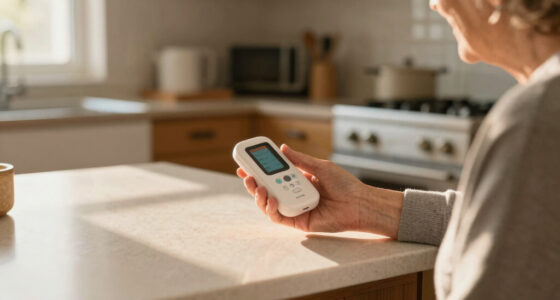
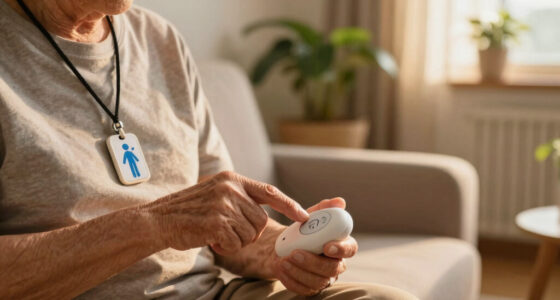
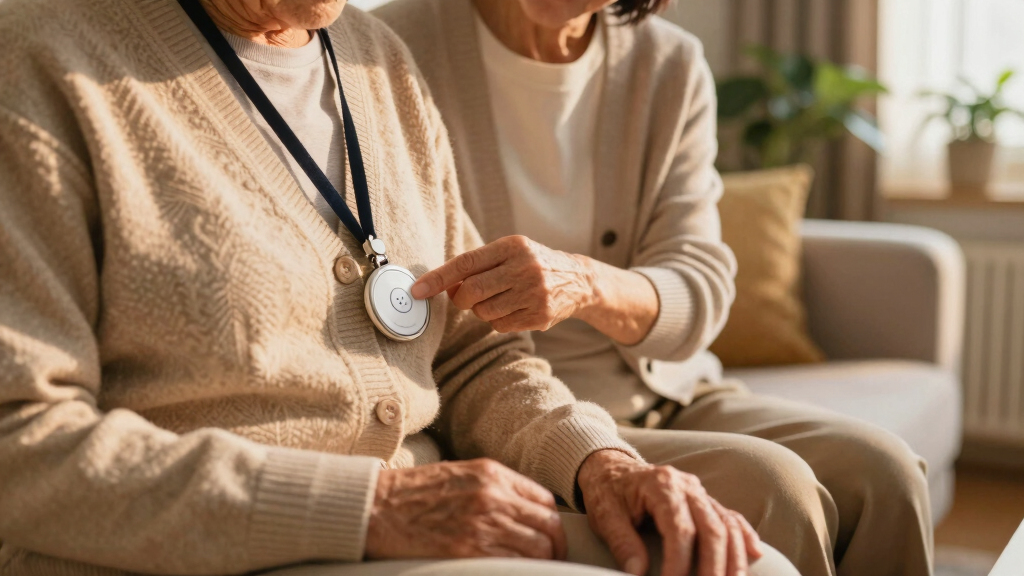
For example, imagine your spouse wears a pendant with a button that connects straight to the monitoring center. Testing it together ensures quick help if needed.
Popular right now

Vitamix 5200 Professional-Grade Blender, 64 oz. Container, Black

Dyson V8 Cyclone Cordless Vacuum

Bose QuietComfort Ultra Wireless Noise-Cancelling Headphones with Spatial Audio, Black
As an affiliate, we earn on qualifying purchases.
Shared or Separate Devices? Which Works Best for Two People
Choosing between shared and separate devices isn’t just about convenience—it reflects your household’s approach to independence, privacy, and risk management. A shared system can streamline emergency responses, as one device can alert the center for both of you, which is ideal if you often act together or have similar health needs. However, this setup might compromise privacy or autonomy if one person prefers independence or has distinct health concerns requiring tailored support. Conversely, separate devices allow each person to maintain control and privacy, but may lead to higher costs and more complex management. Understanding these tradeoffs helps you decide which option aligns with your household’s priorities: does your household value seamless coordination, or is personal independence more important? Making an informed choice here impacts not just safety but also daily comfort and peace of mind.
What Does It Cost to Add a Spouse? Know Your Budget
Adding a spouse typically increases your monthly bill, but the exact amount varies. Expect to pay between $20 to $50 per month for basic systems. Some providers offer couples discounts or bundle plans, reducing overall costs.
Understanding these costs isn’t just about budget—it’s about evaluating the value and reliability of the system. Cheaper plans might lack features like GPS or cellular backup, which could be critical in emergencies. Conversely, investing in a higher-tier plan with advanced features can significantly enhance safety but at a higher monthly expense. Balancing your budget with the level of safety you need involves considering what features are essential for your household’s specific risks. For example, if outdoor activity or rural living is common, GPS and cellular backup might justify higher costs. These decisions directly impact your household’s safety net and long-term peace of mind.
Modern Features: What’s New in Two-User Medical Alert Systems
Tech advances now make adding a spouse more versatile. Here’s what’s trending:
- GPS Tracking: Helps locate users outside the home quickly, which is especially important during outdoor activities or in unfamiliar areas. This feature can significantly reduce response times and increase safety during outdoor excursions, but it also raises privacy considerations—some users may be uncomfortable with continuous location tracking. Weighing safety benefits against privacy preferences is key in choosing this feature.
- Smart Home Integration: Connects with lights, locks, and voice assistants for broader safety, allowing for remote control and automation that can alert or assist your spouse in daily routines or emergencies. This integration creates a comprehensive safety ecosystem that can reduce hazards, automate alerts, and provide peace of mind, but it also requires compatible devices and some tech familiarity. Understanding how these integrations fit into your daily life helps you maximize their benefits without becoming overwhelmed.
- Dual-Activation Devices: Both spouses can trigger help independently, providing autonomy and faster response when one person cannot reach the device. This feature is especially valuable if mobility is limited or if emergencies might occur simultaneously. It supports independence while maintaining safety, but it may come with increased device costs or complexity.
- Enhanced Connectivity: Cellular and Wi-Fi options improve reliability, even in rural or low-coverage areas. This ensures that help is always within reach, but it also depends on your existing network infrastructure. Evaluating coverage quality before choosing a system ensures that your safety network remains active and dependable in all situations.
These features do more than add convenience—they fundamentally enhance safety, independence, and peace of mind. By investing in systems with these capabilities, you’re building a safety network tailored to your lifestyle, reducing response times, and ensuring help is always within reach when needed.
Frequently Asked Questions
Can I add my spouse to my existing medical alert plan?
Yes, most providers allow you to add your spouse, usually through a simple upgrade or additional subscription. Check with your provider for specific options.What if my spouse has different health needs or mobility levels?
Many plans are customizable. You can select different devices or services tailored to each person’s needs, ensuring both get the right level of support.Are there discounts for couples or two-user households?
Yes, several providers offer bundle plans or family discounts, reducing the overall monthly cost when adding a spouse.What happens if both spouses need help at the same time?
Systems are designed to handle multiple alerts simultaneously. The monitoring center can dispatch help for either or both users quickly.How easy is it to set up and use these devices?
Devices are typically simple to activate, with clear instructions and one-touch buttons. Most systems also include setup support.Conclusion
Adding your spouse to your medical alert plan isn’t just a technical step — it’s a vital move toward shared safety and peace of mind. Today’s technology makes it easier than ever to protect each other, no matter your health or activity level.
Remember, choose a plan that fits your lifestyle, budget, and comfort with technology. Because in the end, knowing help is just a button press away can make every day feel a little safer and a lot more connected.