TL;DR

Turn quiet afternoons into listening time
- Thousands of audiobooks, podcasts and originals
- Listen on your phone, tablet or Echo — also offline
- Cancel anytime
Medical alert systems vary in range from 300-1,000 feet for traditional in-home devices to unlimited distance with GPS and cellular options. Your environment and device type determine how far you can go while maintaining connection, impacting your safety and independence.
In-home systems typically offer a range of 300-1,000 feet, but obstacles can cut this down significantly.
GPS and cellular-enabled devices eliminate range limits, giving you true outdoor mobility.
Walls, furniture, and interference can weaken signals—test your environment to understand your specific range.
Choose a system based on your lifestyle: in-home for safety, mobile for active independence outdoors.
Always check the device’s specifications for real-world range details before buying.
How Far From the Base Station Can You Go?
Traditional in-home medical alert systems usually cover 300 to 1,000 feet, but real-world range depends on walls, furniture, interference, and device design. Mobile GPS and cellular systems change the equation completely: their range is effectively limited by cellular coverage, not by distance from home.
System Type Sets the Starting Line
Before furniture, walls, or coverage gaps enter the picture, the device category determines what “range” means.
Traditional in-home system
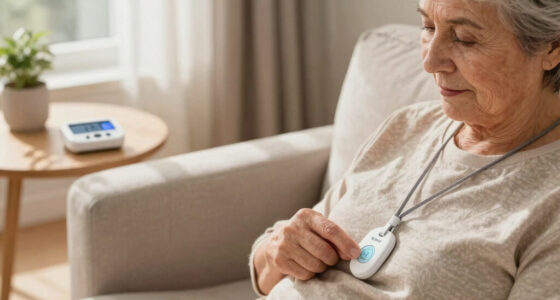
A pendant or button talks to a nearby base station through RF, landline, Wi-Fi, or a similar home connection. The user is protected inside the designed radius, usually hundreds of feet.
GPS cellular device
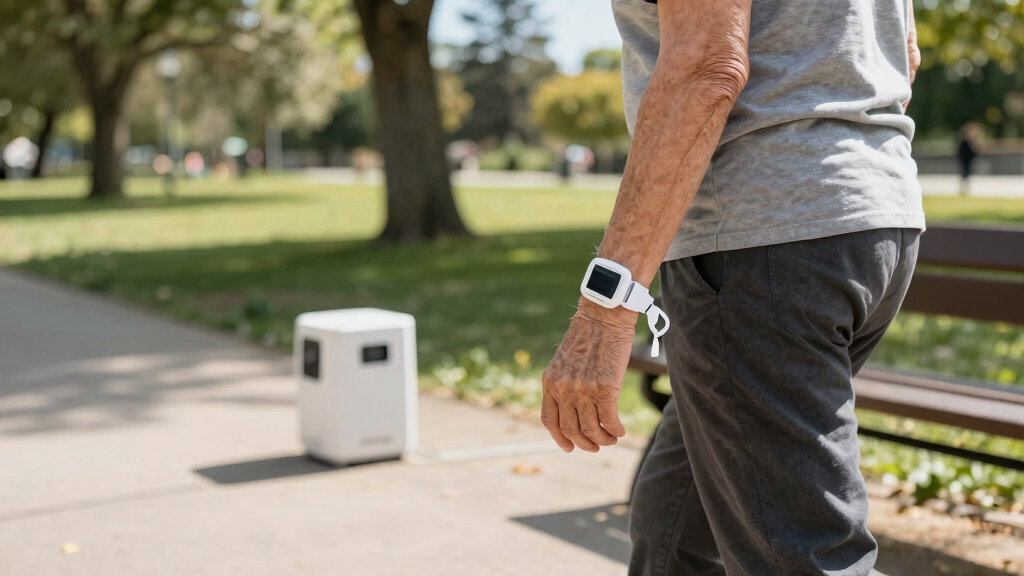
The device connects through cellular towers and can add location data through GPS. This makes errands, walks, parks, and visits safer when coverage is available.
Pendant or wrist device
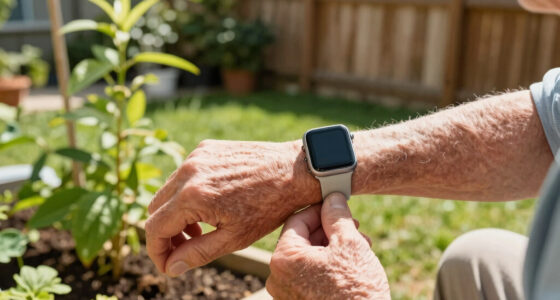
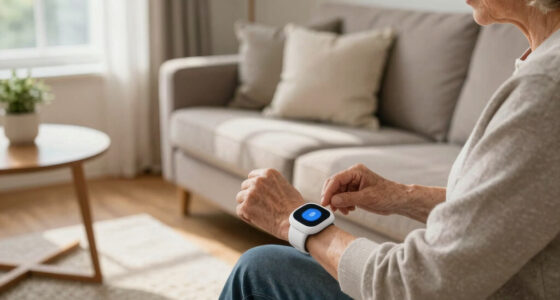
Wearables are convenient, but their independence depends on the radio inside. Some need the base station nearby; others carry cellular connectivity onboard.
What Actually Cuts Range at Home?
In-home range is a real-world signal problem. A device may advertise one number, while your house quietly rewrites it.
Think of the signal like a conversation through a crowded room.
Every thick wall, appliance, metal cabinet, and dense piece of furniture can absorb, reflect, or block the connection between the wearable and the base station.
That is why testing matters. Walk the rooms, porch, driveway, yard, and usual sitting areas while pressing the test function or following the provider’s setup process.
Construction materials
Brick, concrete, plaster, and metal framing can shrink the dependable zone faster than drywall.
Objects and appliances
Metal shelves, large cabinets, kitchen appliances, and dense storage areas can weaken RF signals.
Interference
Other electronics and wireless devices can add noise, especially when the base station is poorly placed.
Base station placement
A central, open location can improve coverage across rooms, entryways, and outdoor edges of the home.
In-Home vs. Mobile Alert Systems
The core tradeoff is simple: in-home systems are reliable within a defined area, while mobile systems prioritize independence outside that area.
| Feature | In-home system | Mobile GPS system | Practical read |
|---|---|---|---|
| Range | 300-1,000 feet indoors | Unlimited distance within cellular coverage | ✓ Mobile wins outdoors |
| Obstacle impact | High: walls, furniture, metal | Lower outside coverage gaps | ~ Test the real space |
| Mobility | Limited to home and nearby property | Full outdoor mobility | ✓ Better for errands |
| Connectivity | Landline, Wi-Fi, or home hub | Cellular network plus GPS | ~ Coverage matters |
| Best for | Indoor safety and routine home use | Active users, walks, shopping, visits | ✗ One size does not fit all |
The Connection Chain
Safety depends on every link staying intact, from the button press to the monitoring response.
User presses button
The pendant, wrist button, or mobile device starts the alert.
Signal travels
It reaches a base station or connects through cellular towers.
Location context
GPS-capable systems can help identify where assistance is needed.
Voice connection
Two-way voice helps confirm the situation and urgency.
Help is sent
Monitoring staff contact caregivers, responders, or emergency services.
Range Spectrum
From room-bound to coverage-boundA stated 600-foot or 1,000-foot range can be realistic in open conditions, but your usable home range may be closer or farther depending on layout. Mobile GPS systems shift the limiter from distance to network coverage.
Modern Tech Expands the Safe Zone
Recent systems combine cellular connectivity, GPS, better battery life, fall detection, and two-way voice to support more active routines.
Choose in-home when most activity happens inside.
Prioritize base placement, household testing, strong device specifications, and coverage for bedrooms, bathrooms, porch areas, and the yard.
Choose mobile when freedom extends beyond the driveway.
Prioritize GPS, cellular coverage, battery life, fall detection, and two-way voice for walks, parks, shopping, and visits.
Frequently Asked Range Questions
Use these answers as a buying checklist before comparing brands or models.
How far can I go from the base station?
Most in-home systems advertise about 300 to 1,000 feet, but walls, furniture, and interference can reduce that. Test the rooms and outdoor edges you use most.
Are mobile alert systems truly portable?
Yes. GPS and cellular-enabled devices are designed for movement away from home, with effective range limited mainly by cellular signal availability.
Can obstacles affect the range?
Absolutely. Brick, metal, appliances, cabinets, and dense furniture can weaken or block signals between the wearable and the base station.
What should outdoor users look for?
Look for GPS, cellular connectivity, strong battery life, two-way voice, fall detection, and clear coverage details for your usual routes.
How the Type of System Changes How Far You Can Go
In-home systems and mobile alert devices operate very differently. In-home systems use landline or Wi-Fi connections, typically covering up to 1,000 feet indoors, but walls and furniture can cut this short. Mobile systems, especially those with GPS and cellular connectivity, have virtually no limit—your range depends on cellular coverage, which is available in most populated areas. For example, a senior using a GPS-enabled device can walk through a park or run errands, knowing help is just a button press, no matter the distance from home.
Popular right now

De'Longhi Rivelia Automatic Espresso Machine with Milk Frother

Samsung 85-Inch QN70H Neo QLED 4K Smart TV (2026)

Ninja Foodi 10-Qt DualZone Smart XL Air Fryer, 6-in-1, DZ550
As an affiliate, we earn on qualifying purchases.
What Factors Actually Limit Your Range at Home?
In a house, several things can cut down your effective range. Thick brick walls, metal filing cabinets, and even certain appliances can interfere with RF signals. Think of it like trying to have a conversation through a dense forest—obstacles absorb or reflect signals, weakening your connection. This means that even if your device technically has a range of 300 feet, actual usability might be much less indoors. Understanding these limitations helps you position your base station optimally and test your environment. The tradeoff is that, while in-home systems are reliable within their range, their effectiveness diminishes with obstacles, so knowing your home’s layout is crucial for ensuring safety.
Modern Tech Means You’re Not Limited to Your House Anymore
Thanks to advances in wireless tech, newer systems with GPS and cellular functions break the traditional boundaries. Now, your device can connect to mobile towers, giving you an almost unlimited range—think of it like having a portable safety net wherever cellular signals reach. This means that outdoor activities such as walking in the park, shopping downtown, or visiting friends are safer because the system can maintain a connection over vast distances. The tradeoff is that these features depend on good cellular coverage; in remote areas, the connection might weaken or drop. Nonetheless, this technology significantly expands your freedom, allowing you to maintain independence without sacrificing safety.
Comparison Table: In-Home vs. Mobile Alert Systems
| Feature | In-Home System | Mobile GPS System |
|---|---|---|
| Range | 300-1,000 feet indoors | Unlimited, depends on cellular coverage |
| Obstacles impact | High (walls, furniture) | Minimal outside of coverage gaps |
| Mobility | Limited to home | Full outdoor mobility |
| Connectivity | Landline or Wi-Fi | Cellular networks, GPS |
| Best for | Indoor safety | Active outdoors and errands |
How Obstacles and Environment Change Your Range
Imagine trying to talk on a walkie-talkie through a mountain of stacked boxes. Walls, furniture, even metal fixtures can weaken your signal, shrinking your effective range. This is because obstacles absorb, reflect, or block radio signals, much like how a dense forest can block sunlight. For instance, a device might reach 600 feet in an open backyard but only 200 feet inside with thick walls. Recognizing these environmental factors is essential; testing your setup in different spaces or outdoors helps you understand your real-world limits. The tradeoff is that, while obstacles can reduce effective range, awareness of these factors enables you to position your device optimally and plan outdoor trips accordingly for maximum safety.
What’s New? How Technology Expands Your Freedom
Recent advances mean you’re no longer tethered to your house. GPS and cellular tech turn your alert device into a portable safety companion. These innovations allow for continuous connection outside the home, supporting active lifestyles. Features like fall detection and two-way voice communication further enhance safety, making outdoor activities less risky. The tradeoff is that reliance on cellular signals means that in remote or rural areas, coverage might be spotty or unavailable. Still, for most users, these technological improvements significantly expand their range of safe mobility, providing peace of mind and greater independence during daily activities and outdoor adventures.